Introduction
The conceptual unit at freestyle had me learn many new Adobe programs, which on the surface looked overwhelming to learn but in reality were extremely fun to use. Programs such as Adobe Photoshop and Adobe Premiere Pro looked scary but now I think of them as a go-to application when considering photo or video editing.
I learned a lot of things in English and Digital Media during the conceptual unit. English taught me to not be scared of writing creatively, essentially accepting any and all ideas as long as you have the guts to pull it off. In Digital Media we learned a lot of the basics in understanding many Adobe programs, we also learned how to use our new cameras and the other equipment along with it that our electives gave us.
Art Reflection
This was my first big project at Freestyle. To start, we took a bus to the San Francisco Museum of Modern Art and took photos/wrote notes on art pieces we were interested in. Then we went into English and drafted a script based off of the art piece of our choosing and why we were so drawn to it. We later read and recorded in Digital Media, using the recorders given to us in class. We used the voice recording and photos we took of the art pieces, compiling them into a video using Adobe Premiere Pro.
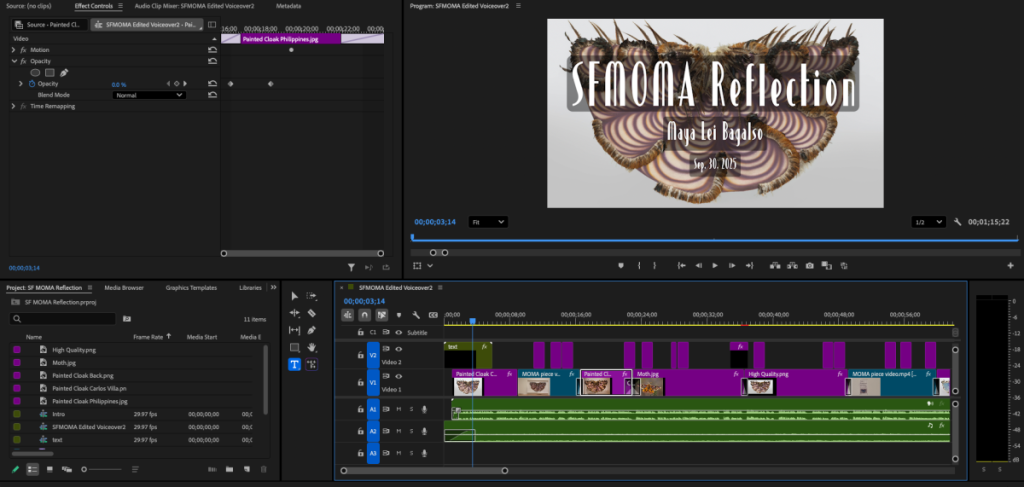
The biggest things that I learned most by doing this reflection video was editing the video in both Adobe Audition and Adobe Premiere Pro. There are just so many different things to do on both of the programs, like de-essing your voice in Audition and using transition effects in Premiere to make the swap between clips seamless.
Parody Introduction
▶ House of Halloween
⏸ House of Halloween
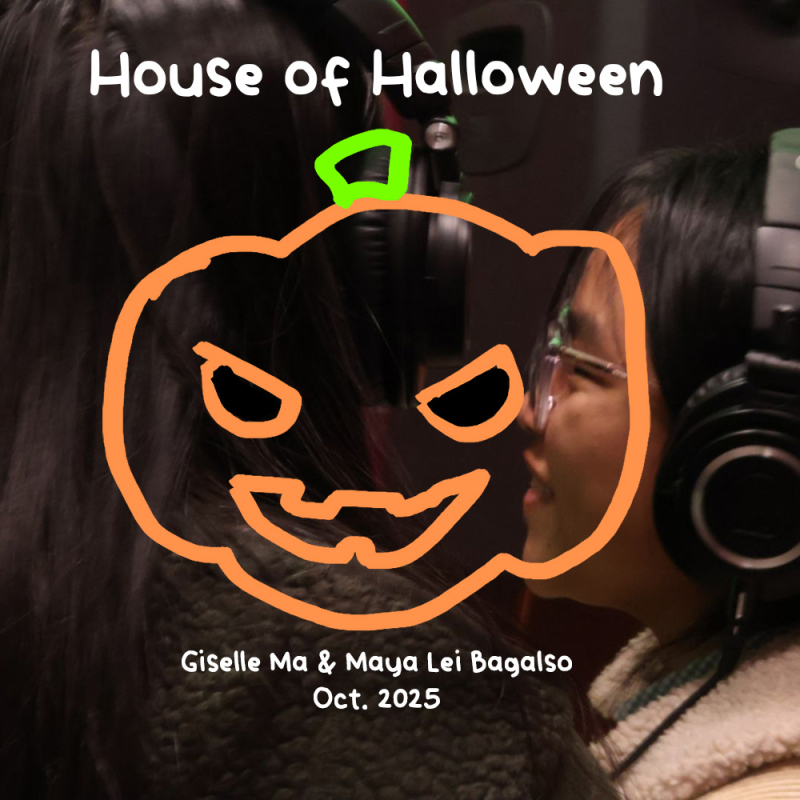
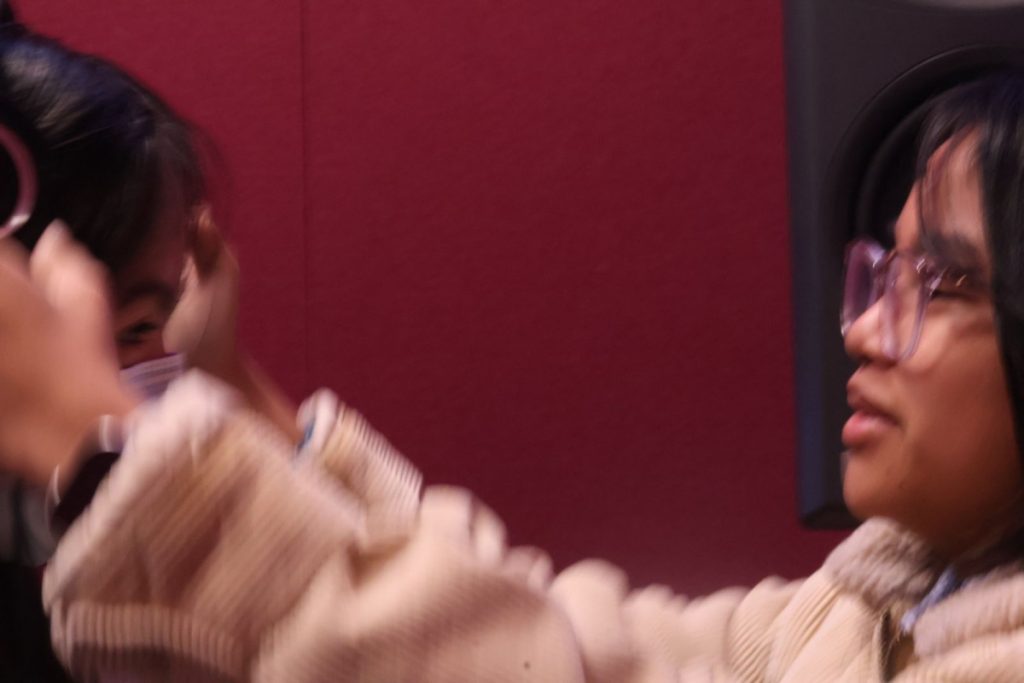
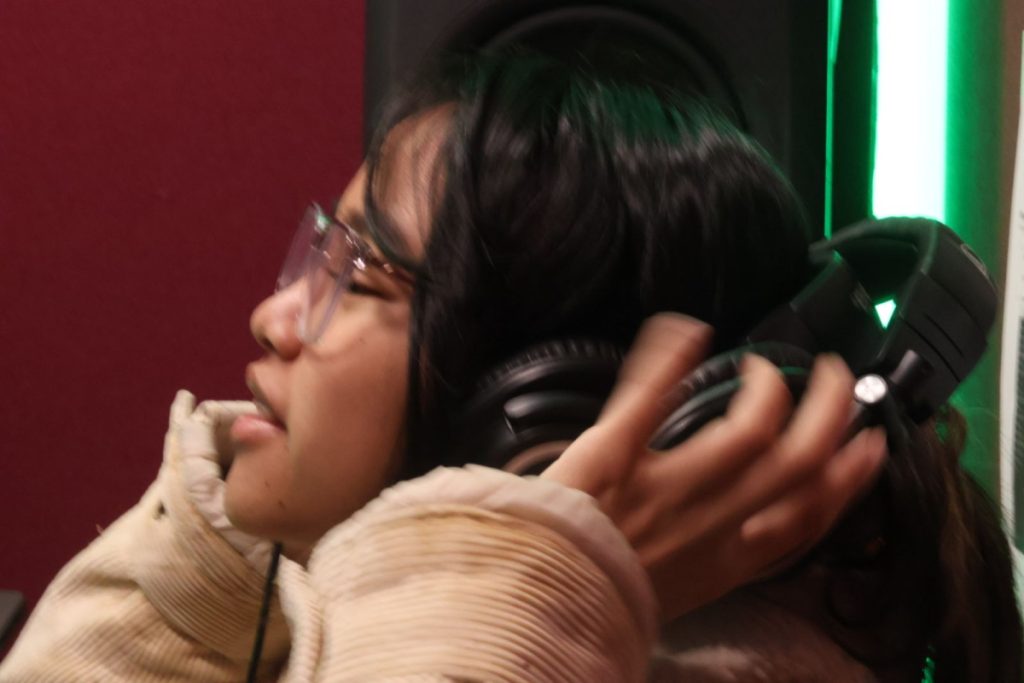
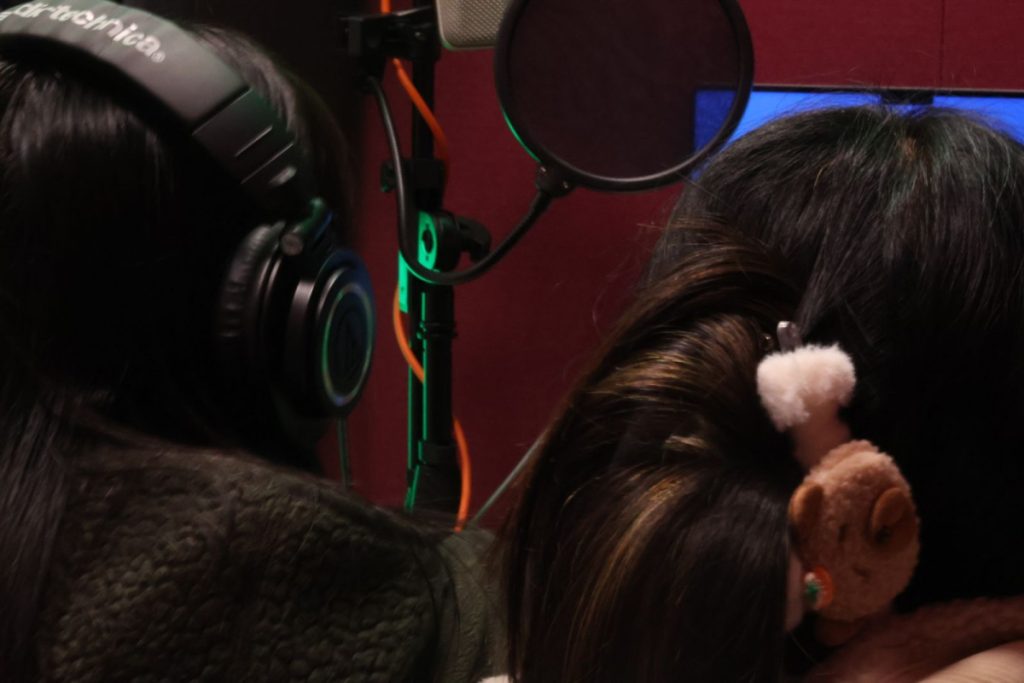
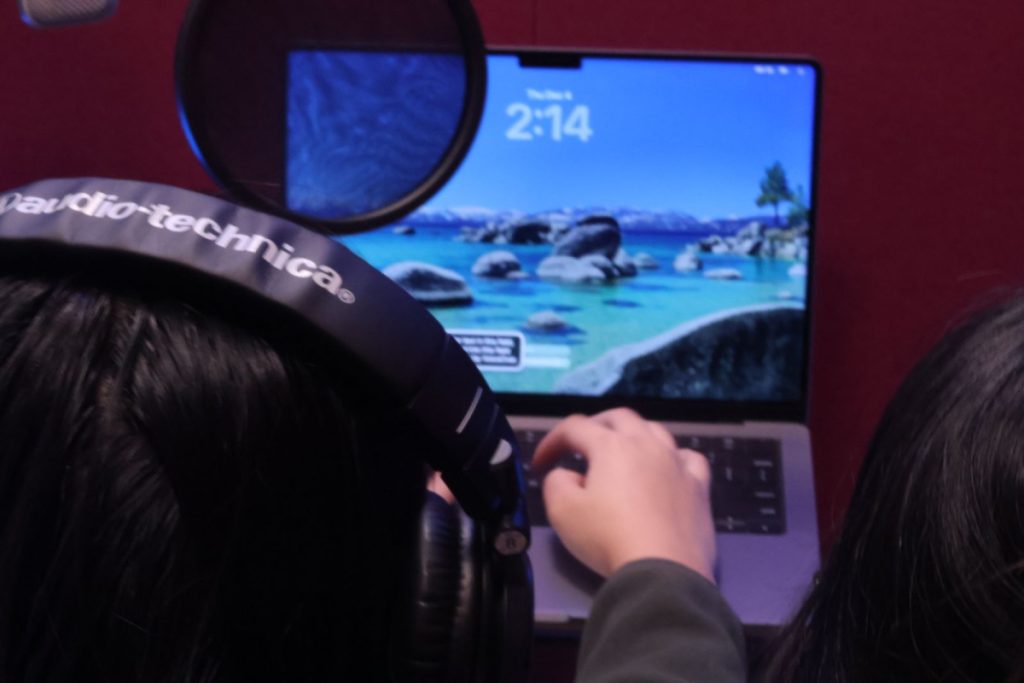
Since it’s October and Halloween is coming around, we chose to sing about Halloween. We chose the song “House of Memories” by scrolling through old songs we used to listen to back in around 2020, and we spun a wheel. When first writing the lyrics, we were thinking about the feeling of Halloween, like cold and spooky, rather than the cutesy dressing up and costuming vibe. During recording, we went in practically blind and spent a lot of time in the booth re-recording because we’d barely thought about how we’d sing it with the music, which is something I think I could do better next time.
Our Lyrics:
Whoa oh oh oh oh oh oh oh
Whoa oh oh oh oh oh oh oh
If you’re a monster, you should know
The midnight moments only grow
The longer you’re in frightThan if you were alone
Whis-pers turn into shadowsEcho through the tomb
I don’t wan-na be afraidThe de-eper that I roam
It takes my breath awayCold chills, electric bones
Ghost to ghost and eyes that glow
Is this your doom?Baby, we built this house of tragedies
Hang my portrait nowScream it when you see it
And when your night-maresTurn to memories
Promise me a placeIn your haunted gallery
Whoa oh oh oh oh oh oh oh
Whoa oh oh oh oh oh oh oh
I think of you from time to time
When the moon begins to climb
You were just too sweetAnd I was too cursed to show
That’s all that really mattersNow here we go…
Baby, we built this house of tragedies
Hang my portrait now,
Scream it when you see it
And when your night-mares
Turn to memories
Promise me a place
In your haunted gallery
Whoa oh oh oh oh oh oh oh
Whoa oh oh oh oh oh oh oh
Those thoughts of past monsters
they’ll always haunt me
I wish I could believe
You’d never curse me
Then will you remember me when the night turns blue
As I remember you?
Photoshop Blend Mode Editing
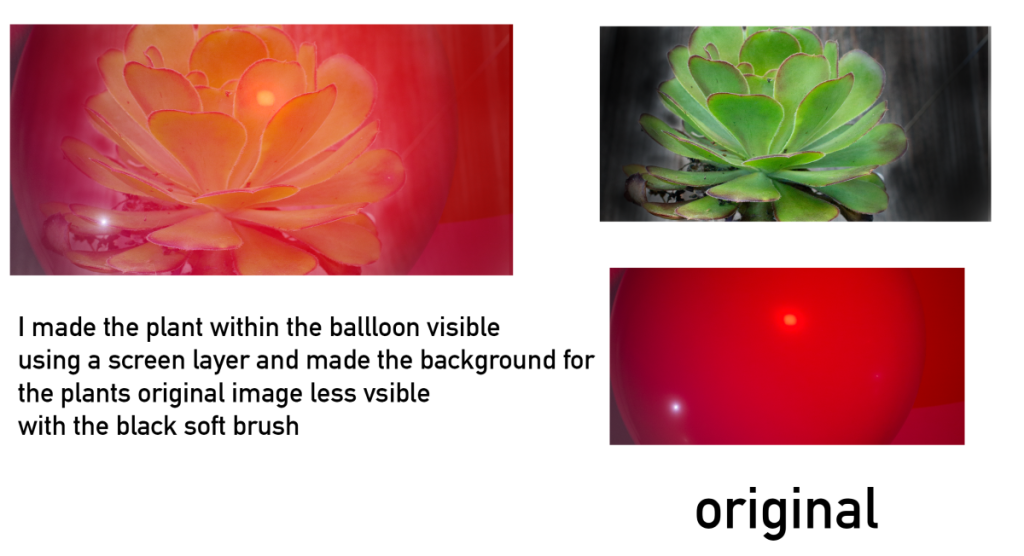
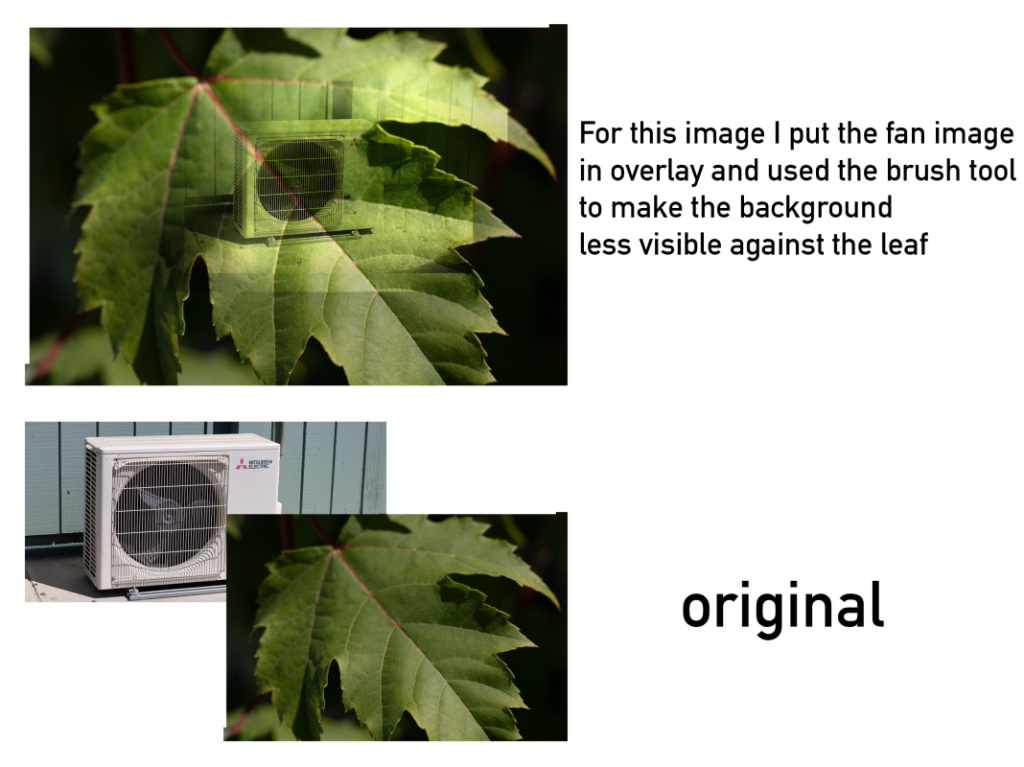
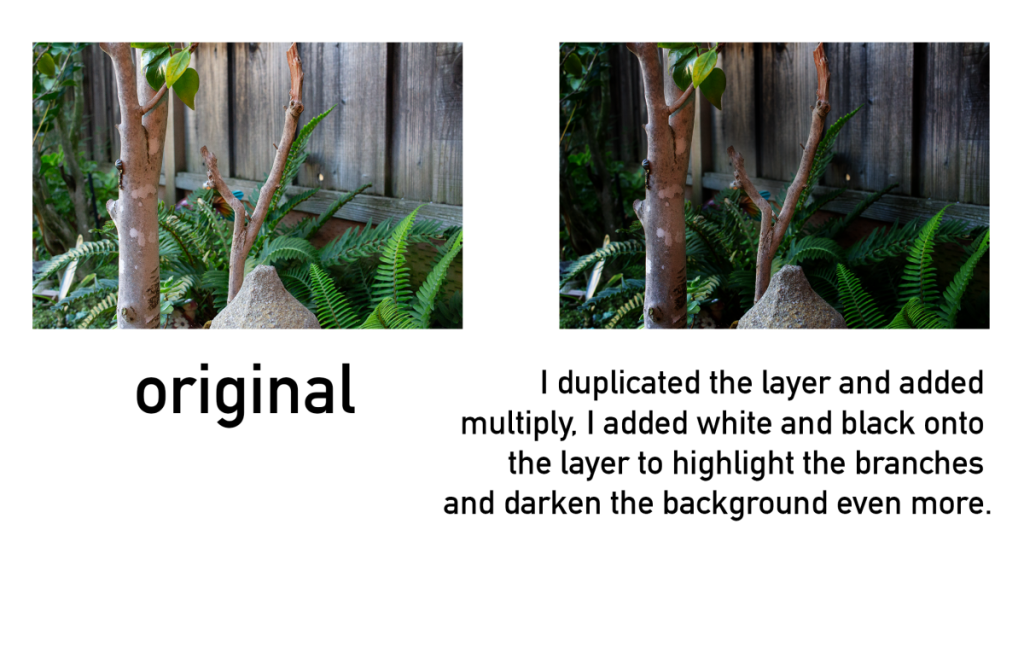
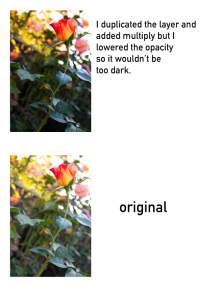
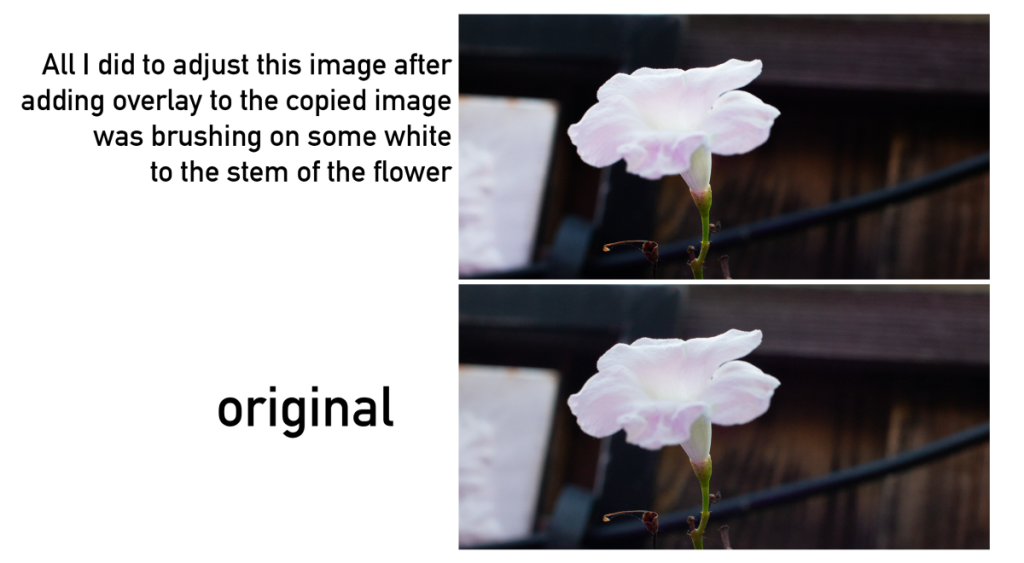
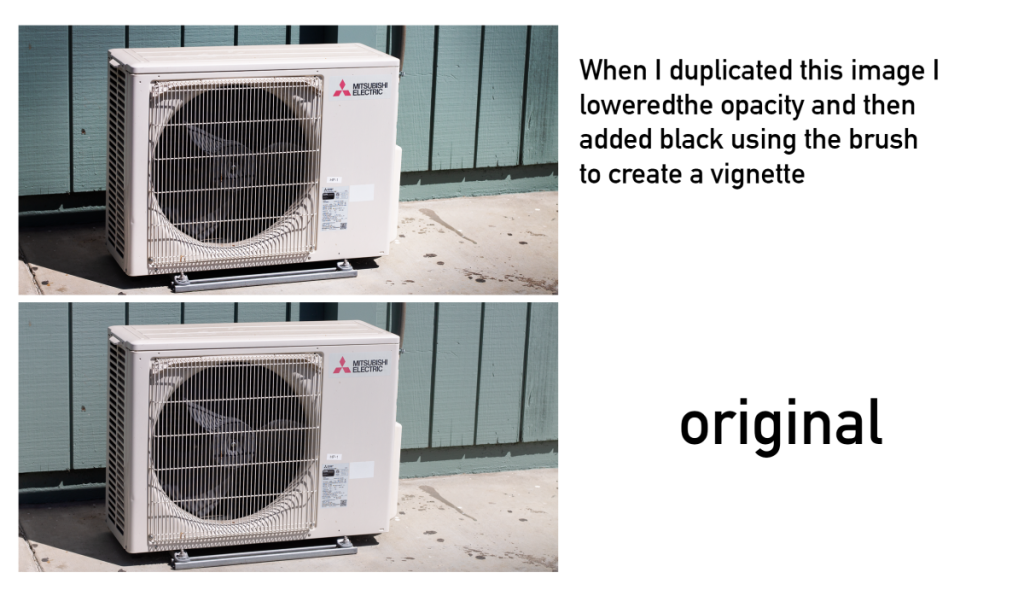
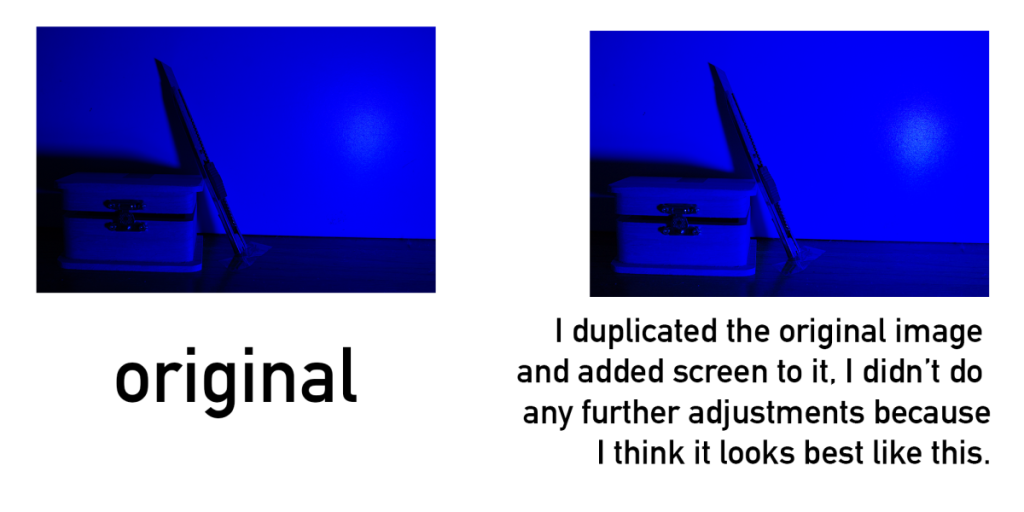
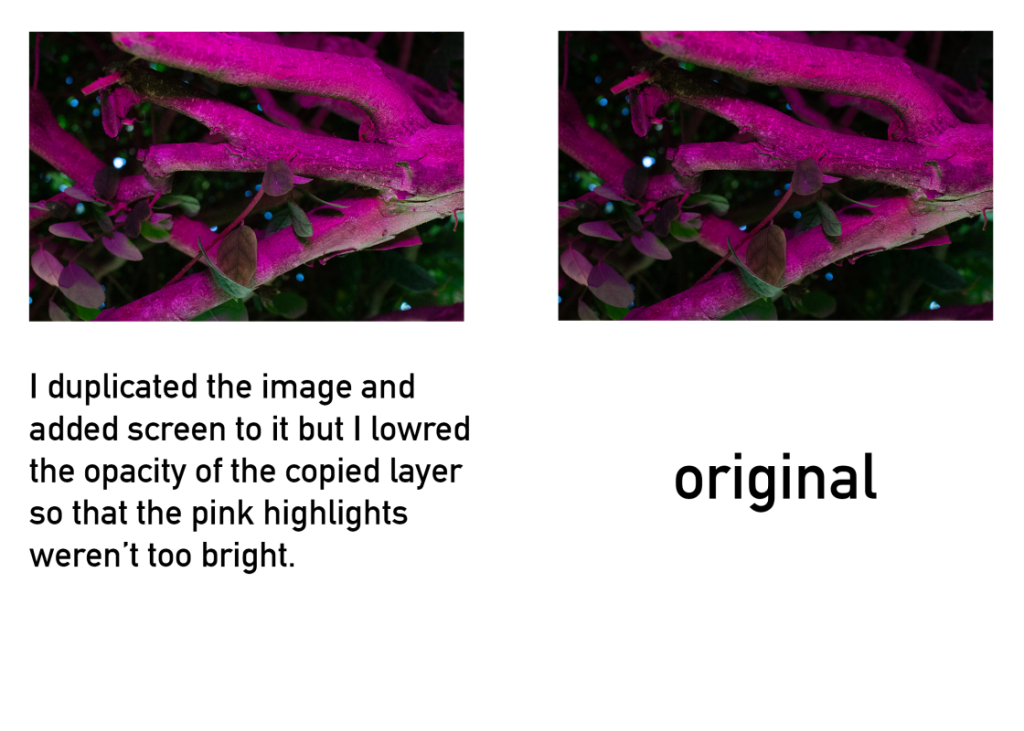
For this assignment we used Adobe Photoshop and learned about all the various blending modes that can be applied to photos. We used some blending modes like Screen, Overlay, and Multiply to edit photos we’ve taken, changing the contrasts and making the photos look better.
What do you value about learning about and creatively using Photoshop Blend Modes?
The reasoning behind the blend modes are really useful, I used to use the overlay layer without realizing what it would actually do but now I can use it more efficiently.
How do you see yourself using your new Photoshop skills with your creative projects?
Blending modes and other things like overlay, or multiply will become useful for future assignments that involve my photography.
DSLR Practice Photos
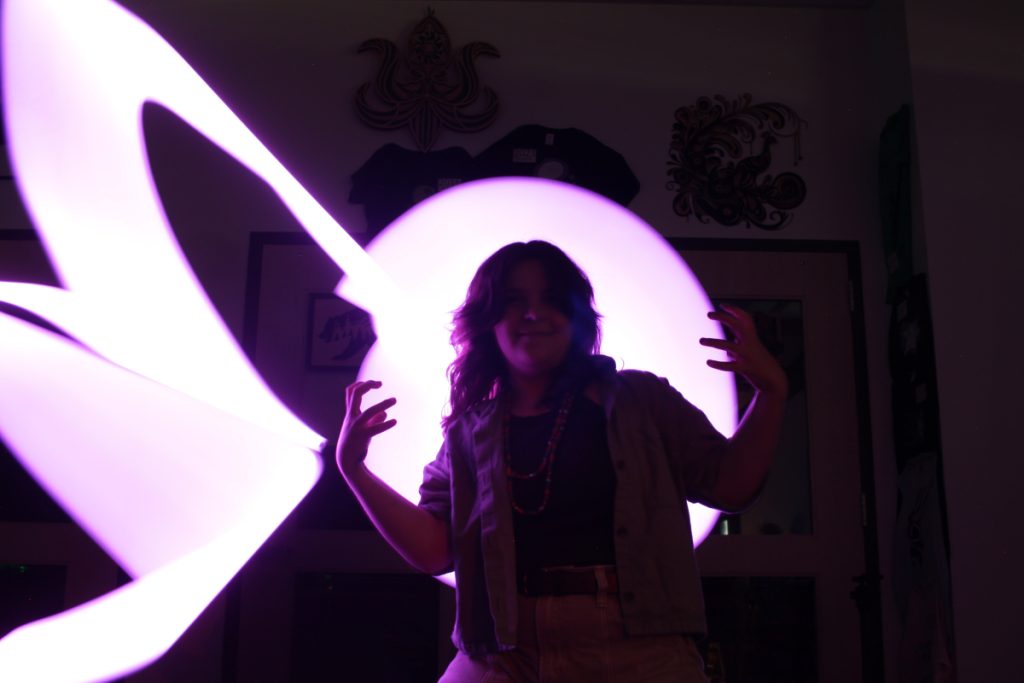
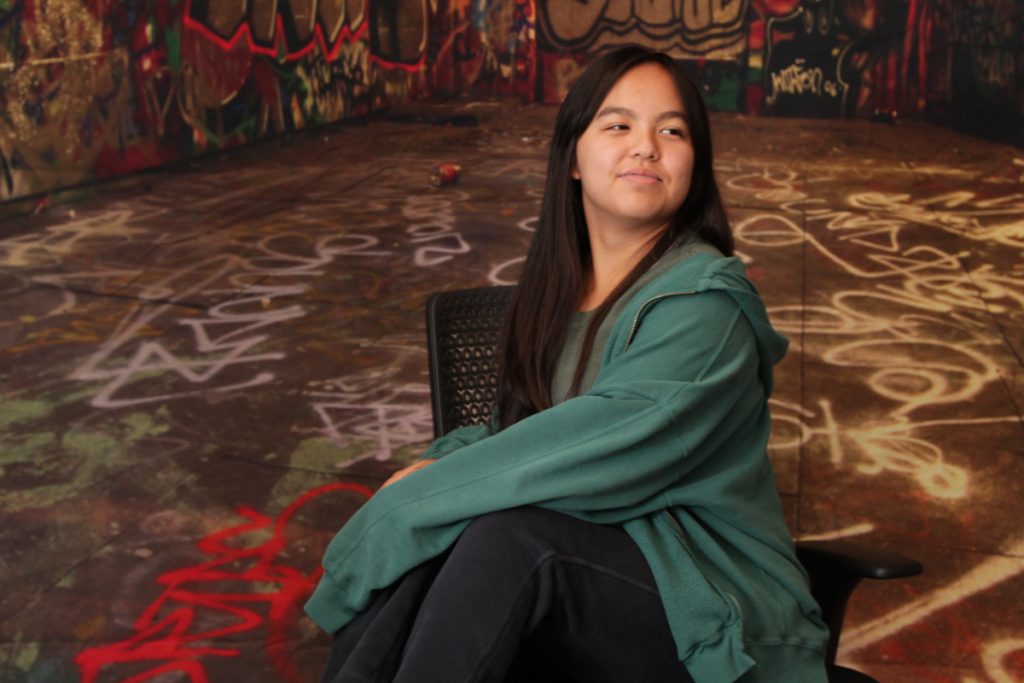
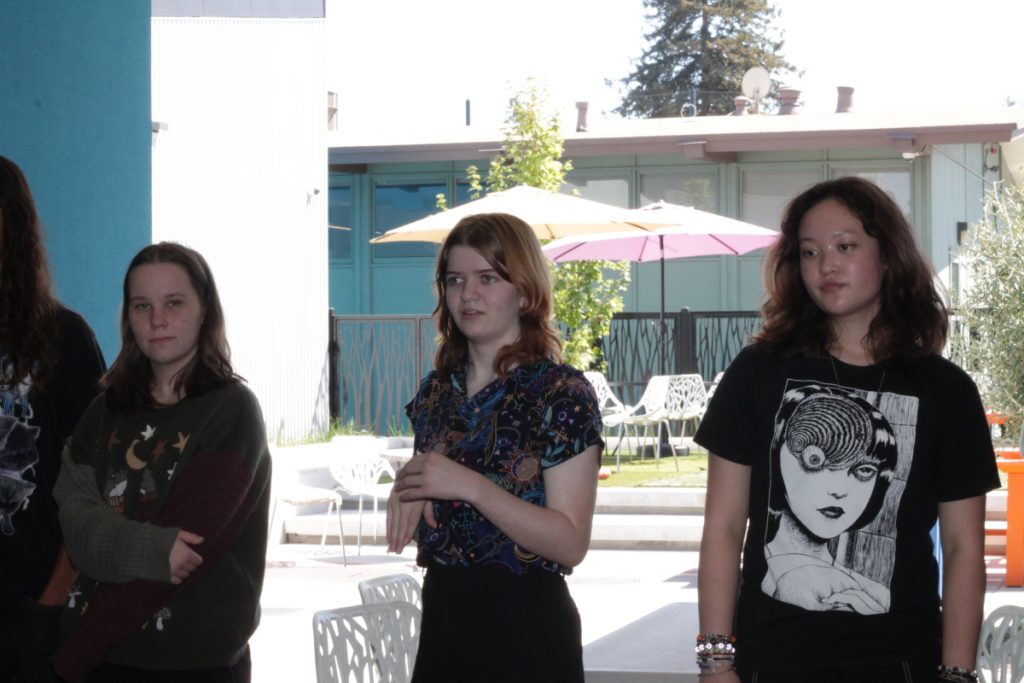
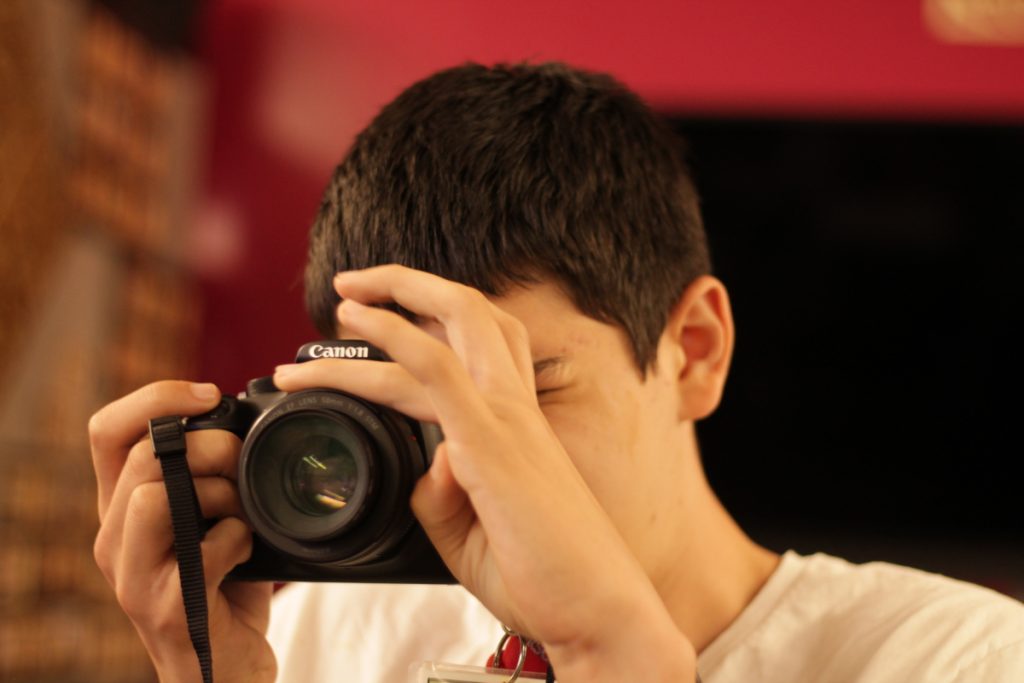
When learning about how to use our cameras we also learned about the different modes we could use to take photos (such as Av and Tv), while also learning how to use other tools to our disposal like the speed lights. We also learned about the importance of white balance and how to use it along with ISO when taking night/dark photography.
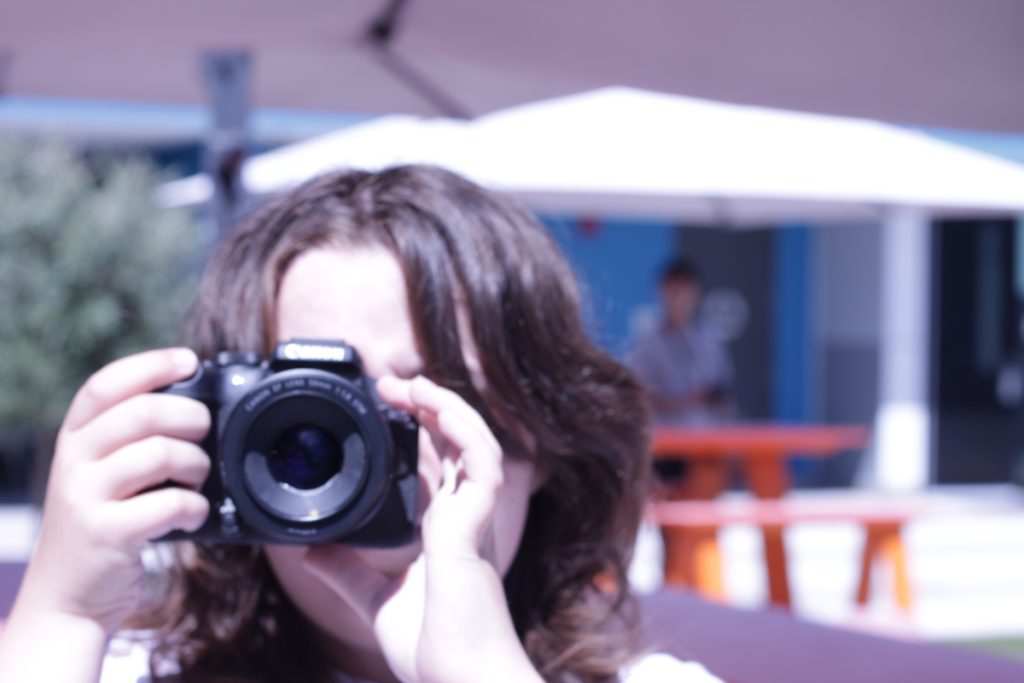
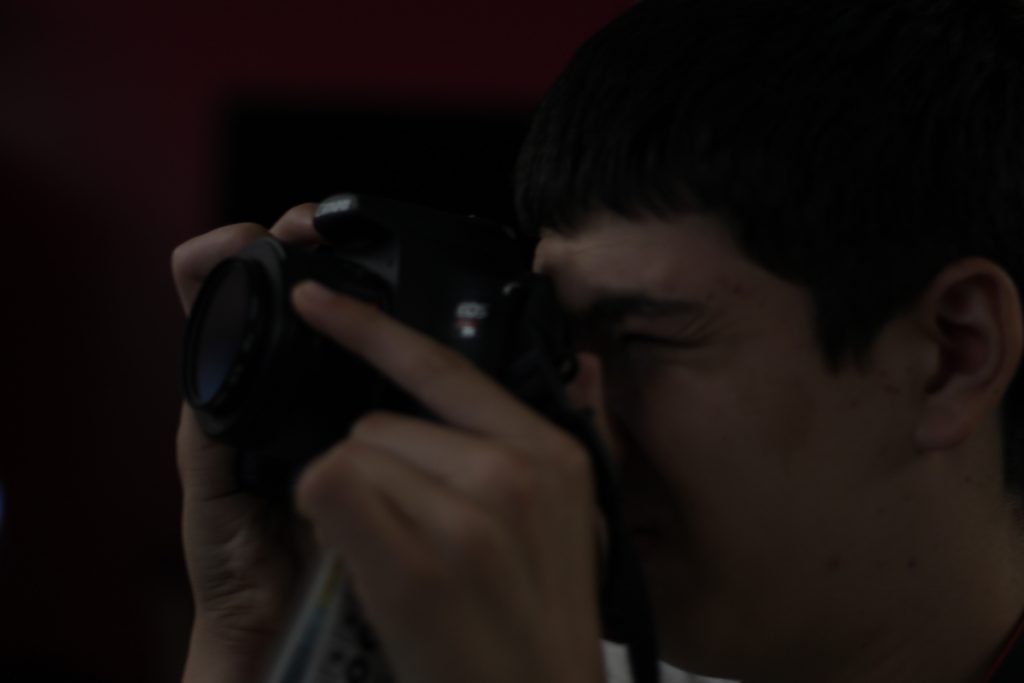
Design
The assignments in Design were really there to push our creativity, we had to think outside the box and look past surface value. So far I’ve really enjoyed getting to learn Adobe Photoshop for the assignments as well as getting to know and use our cameras. I really value how design is trying to shift the way we think about the world around us, and see all of the little things.
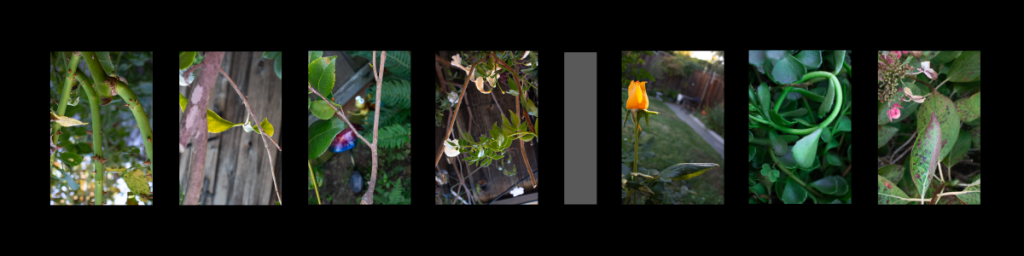
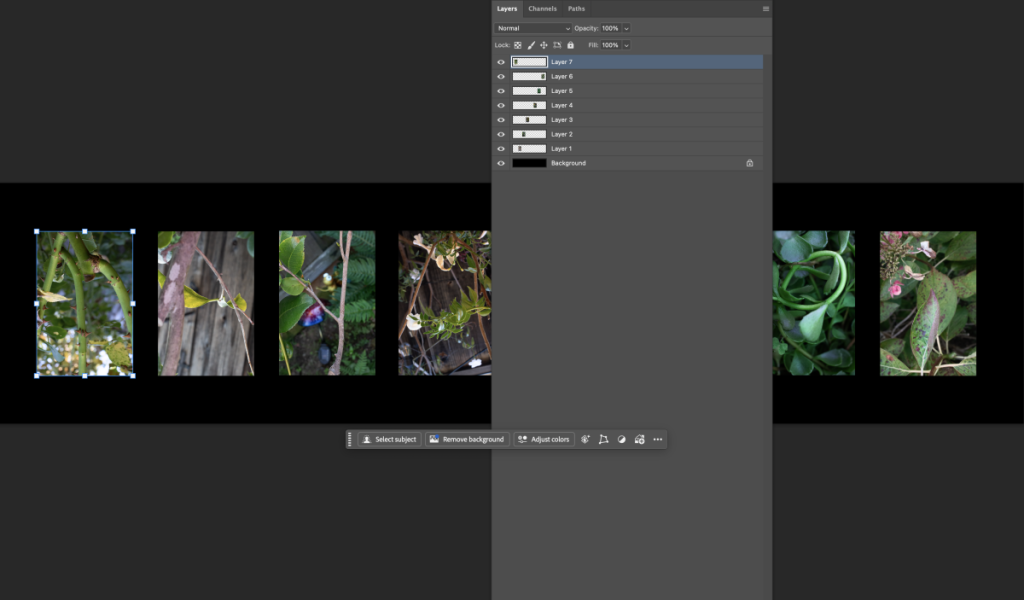
Nature Name Photography
This project required us to go outside either in our backyard or around the school campus and take photos of the environment spelling letters of our name. We couldn’t alter the nature at all when taking the photo, like moving around twigs to form a letter.
Conceptual Photo
I am exploring the feeling of hostility when viewing an eclipse.
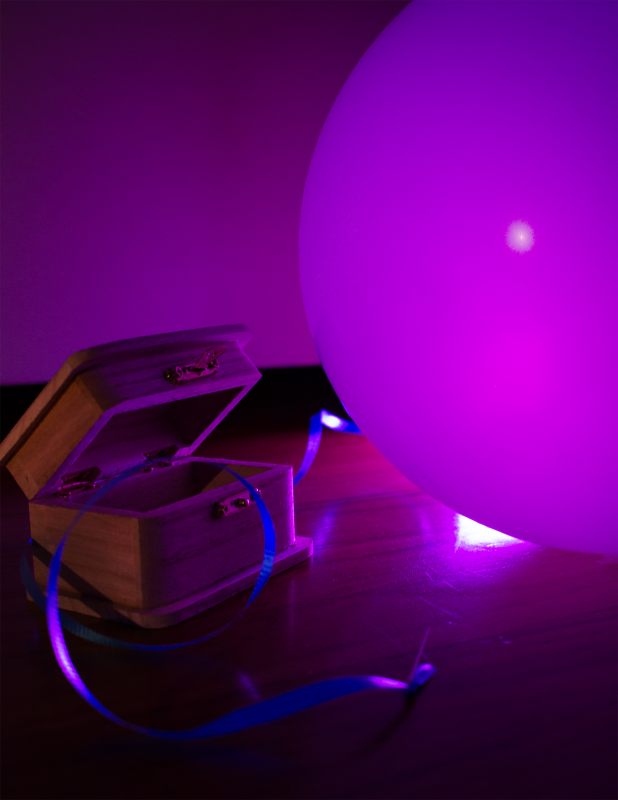
The main objects I used were a box and a needle attached to a balloon. The box portrays the experience of viewing an eclipse. Eclipses can be viewed as mysterious because the nature of space and eclipses as a whole form many questions. A needle and a balloon, used as one object, portray the feeling of hostility. The thought of something like a needle entering their skin has been the cause of lots of fears, pairing a needle with something so fragile to sharp objects like a balloon can create a feeling of hostility, especially when considering the loud noise that balloons make when they pop, which can startle people. The purple light used can be associated with mystery, paired with the angle that portrays an eclipse, and how the source of light gets hidden.
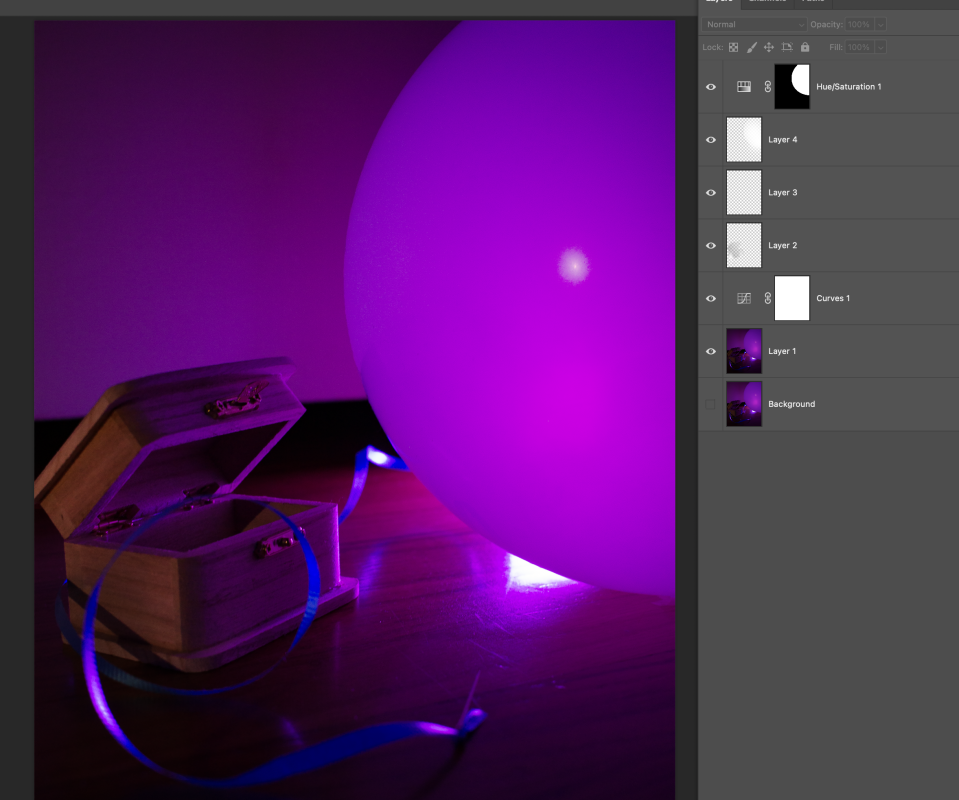
When photographing, I didn’t have a lot of ideas on how to pose the objects, but I learned that using a line for your eyes to follow is a good compositional technique, which is why I wrapped the balloon’s ribbon around the box. I got to practice with Adobe Photoshop a lot more in the process, especially when selecting objects and using the feather selection tool to make it look more natural. Specifically, I selected the box and added a curve along with a brushed orange color to make it brighter and contrast with the purple background. I also selected the balloon and altered the color a little to differentiate it from the background.