Introduction
This project is all about exploring creative, out-of-the-box ways to express yourself. You’ll experiment with things like poetry, music, visual art, animation, film, and web design, taking bold artistic risks to show your opinions in your own unique style. Along the way, you’ll also start building real technical skills by learning to use modern professional tools — including DSLR cameras, Tascam audio recorders, and software like Adobe Photoshop, Animate, Premiere Pro, After Effects, Audition, Pro Tools, WordPress, and various Google apps.
During the Conceptual Unit in English and Digital Media, I really enjoyed exploring different ways to express myself. Using tools like Photoshop, Premiere Pro, and Audition let me combine digital media with my own ideas, and I got to experiment with things like animations, music, and design. It was very interesting to take creative risks and try unconventional forms of art, which pushed me to think about how I communicate my thoughts in a unique way. Overall, it was a fun way to start learning how to use professional tools while also expressing my personal style!
Art Reflection Video
For our SF MOMA trip, we explored a variety of contemporary artworks that inspired us to think critically about different artistic concepts and approaches. The related Art Reflection Video assignment gave me the chance to combine conceptual writing with digital media skills, reflecting on the ideas, techniques, and personal responses I had to an artwork of my choosing which was “Lilies” by Kunie Sugiura. Throughout this project, I grew in my ability to analyze and express concepts clearly, experiment with creative techniques, and improve my technical skills in Premiere Pro, all while developing my own artistic voice.

In the Art Reflection Video project, I really valued the opportunity to combine my thoughts about art with digital media skills. It was rewarding to think critically about the pieces we saw and then translate those ideas into a creative, visual format. I also appreciated improving my technical abilities in editing, sequencing, and integrating audio and visuals, which helped me express my perspective in a more dynamic and personal way.
Parody Introduction
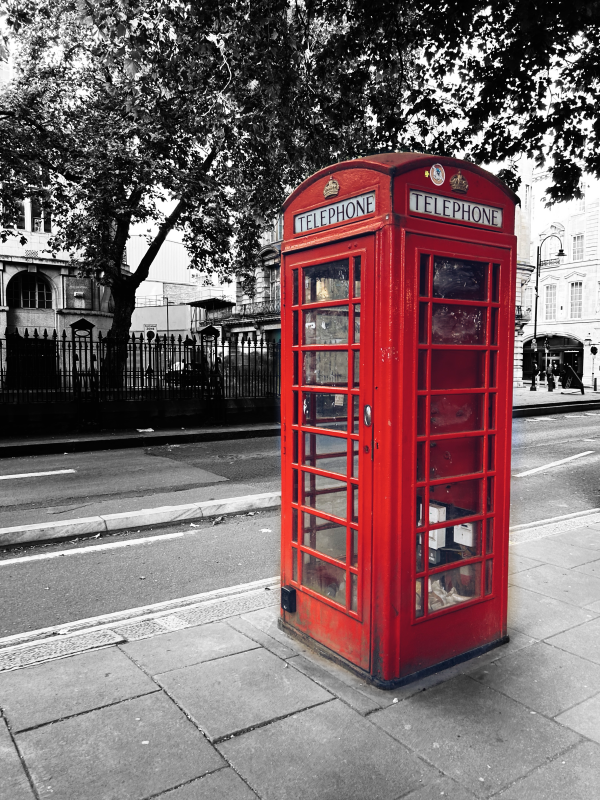
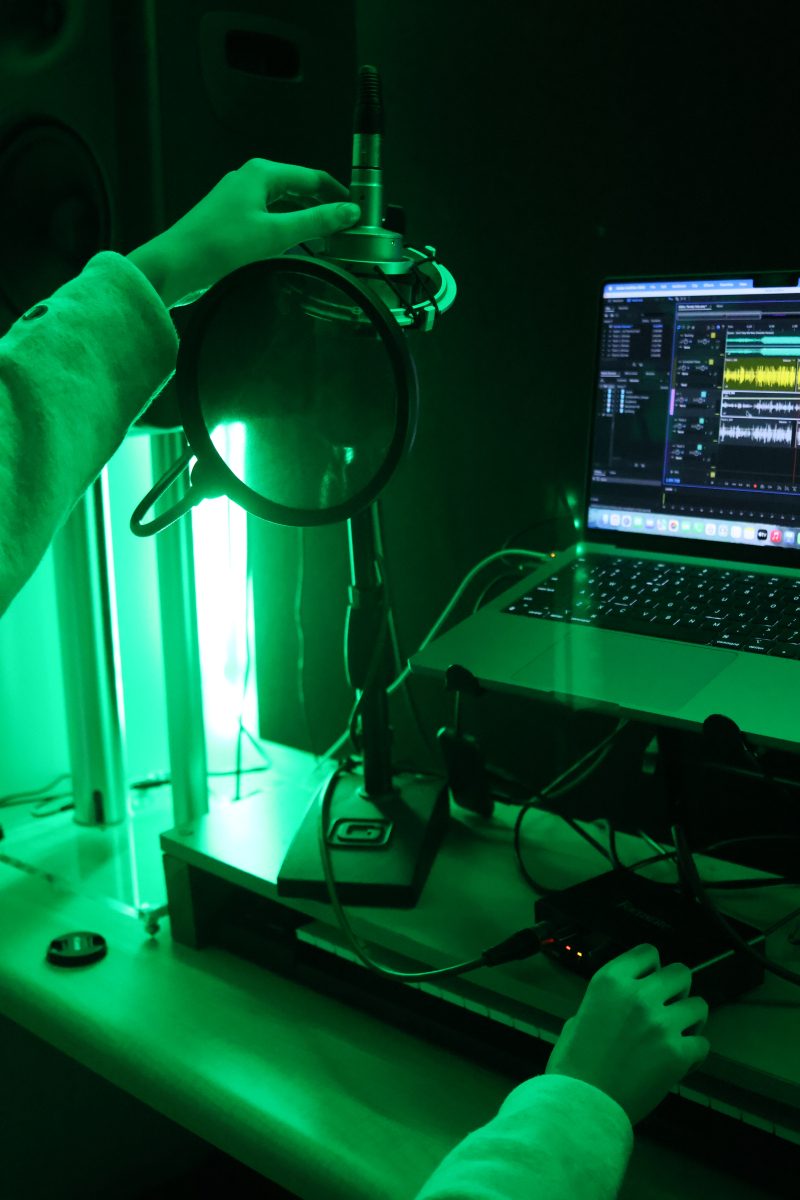
The Parody Project was a creative assignment where we take a well-known song and rewrite the lyrics to express a new theme, message, or idea, while keeping the melody and rhythm. For my Parody Project, I chose the song Guess by Charli XCX featuring Billie Eilish and rewrote the lyrics to focus on funny and relatable TikTok culture and online trends. My process began by listening to the original song so I could match the rhythm, flow, and phrasing. I then brainstormed ideas for a topic that was both relevant and humorous to me and my audience, settling on the way people obsess over memes, trends, and FYP content. I rewrote the lyrics line by line, making sure they fit the original melody while including references to TikTok audios, phrases, and behaviors like duets, stitches, doomscrolling, and popular memes. After drafting the lyrics, I practiced singing them along with the original track, adjusting lines for comedic timing and better flow before finally performing and recording myself in the isolation booth.
▶ Chronically Online
⏸ Chronically Online
“Chronically Online” by Zoe (me), October 2025
Parody Lyrics
Hey, tiktok, you there?
Uh-uh
You wanna guess what‘s on my tiktok FYP?
You wanna know what trends and memes that i have seen?
Is it new-gen brainrot from youtube shorts?
Is it old viral 2020 dances of all sorts?
You wanna reference a meme, even if it’s niche
Trust me i’ll know it immediately
Re-re-reference a meme, even if it’s niche?
Trust me ill know it immediatelySwipe it, like it, share it, post it
Click the 3 dots check your 3rd @ on it
Stitch it, duet it, might remix it
Send it to the group chat, yeah i think they’re with it
Swipe it, like it, share it, post it
Click the 3 dots check your 3rd @ on it
Stitch it, duet it, might remix it
Put a finger down, yeah, freestyle editionTrend it now…
Don’t have to guess what’s on your tiktok FYP
I’ve seen basically every single meme
It’s “that one” crazy edit or the fish girl from jubilee
The memes no matter how old that won’t leave my feed
You think that there’s a reference that I haven’t seen?
I’m gonna tell you right now that there’s no such thing
I wanna swipe it, like it, share it, post it
Click the 3 dots check my 3rd @ on it
Save it, keep it, can i reference it?
I can talk normal but you know i’ll quote itTiktok call me if you’re with it…
Yeah, chronically (online), chronically (online), chronically (online online)
chronically chronically (online), chronically (online), chronically (online online online)
chronically (online), chronically (online), chronically (online online)
chronically chronically (online), chronically (online), chronically (online online online)
you wanna guess how many hours i’ve been doomscrolling? (its been hours)
you’re tryna guess the password to my secret account? (are you obsessed with me?)
you wanna guess the reference that we’re talking about? (you know you won’t get it)
you wanna guess if i’m really this chronically online?



Photoshop Blend Modes
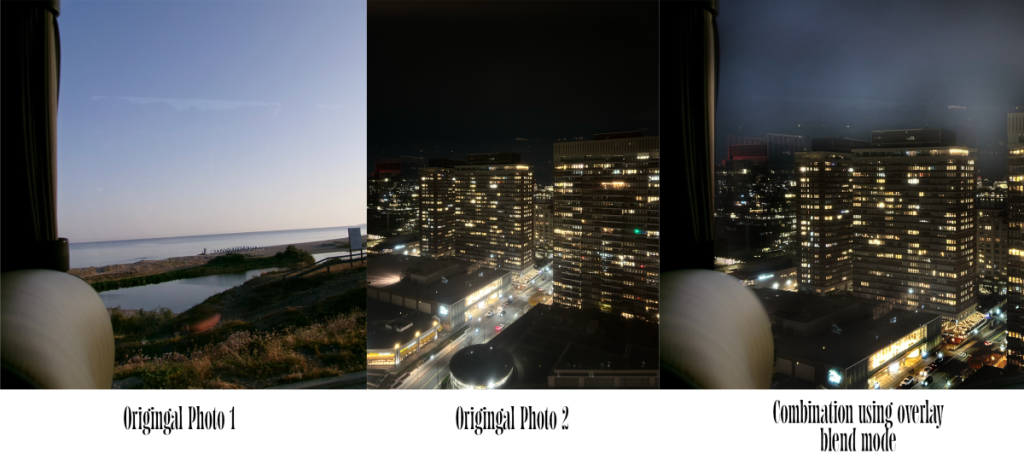
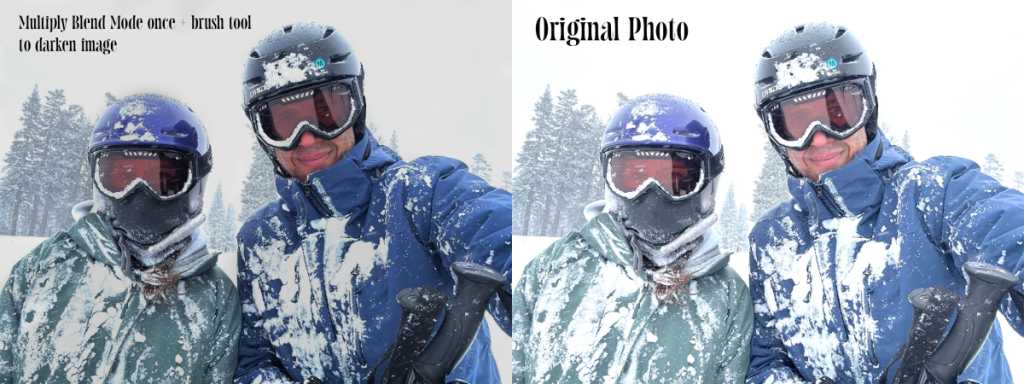
In this section, I had fun exploring Photoshop Blend Modes, experimenting with how different layers interact to create cool colors, textures, and effects. The assignments let me play around with combining images in unexpected ways, showing off creativity while learning new digital media skills. Something I value about learning about and creatively using Photoshop Blend Modes is how to be able to blend two pictures together to create something really cool. It allows you to be imaginative and think outside the box. I see myself using my new Photoshop skills with my creative projects mainly through correcting areas of my photos that are too bright or too dark for my photo blogs, other future assignments, or just for fun!


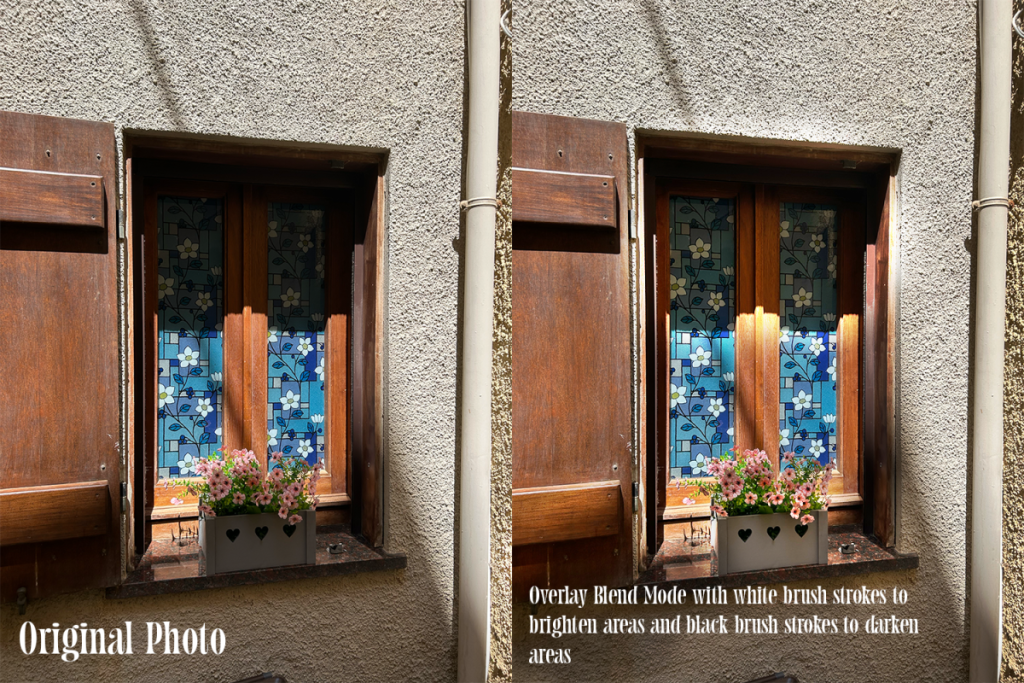
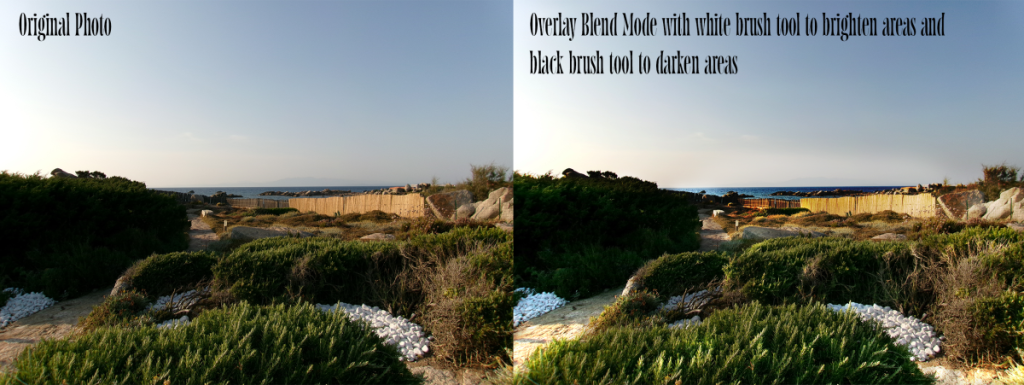


DSLR Practice Photos
This section showcases my DSLR practice sessions, where I explored different camera modes and techniques to see how they affect a photo. I experimented with Av mode to play with shallow and deep depth of field, Tv mode for long-exposure night shots, and flash portraits in front of backdrops. I also practiced P mode while adjusting ISO and experimented with altering white balance to change the mood and color of my images. These exercises helped me get hands-on experience with camera settings and see how small changes can create big visual effects.


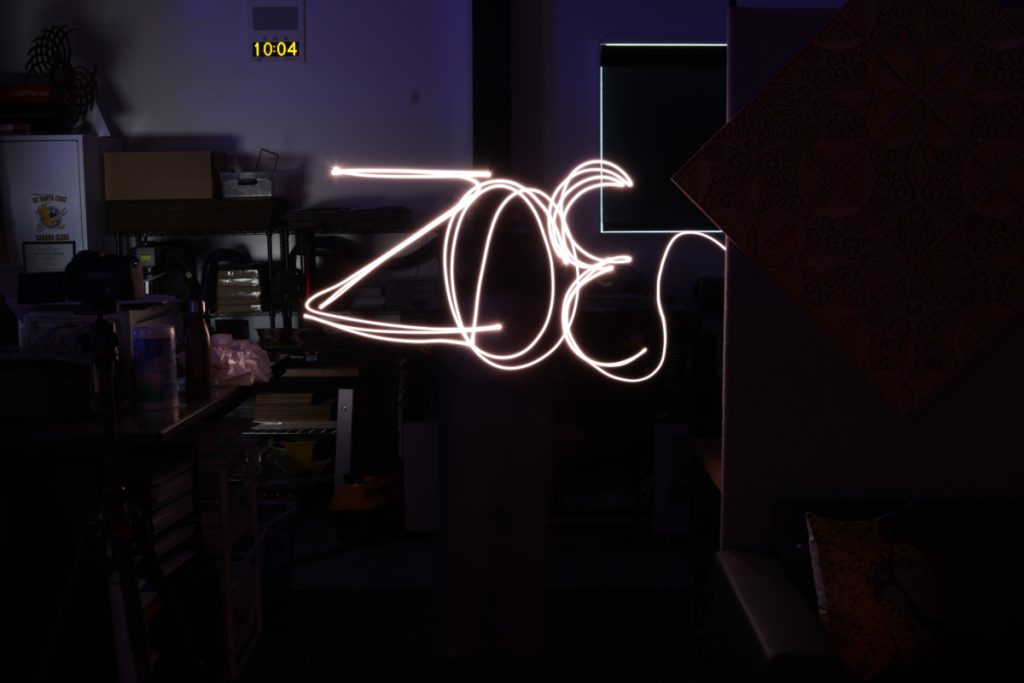
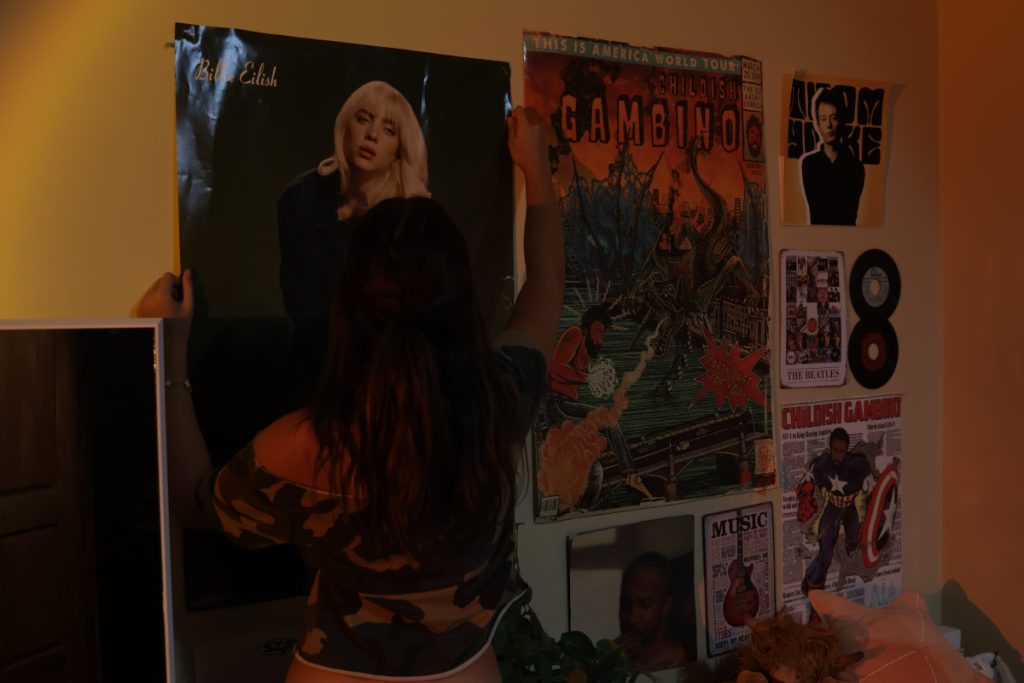

Working with my DSLR in different modes was a mix of experimenting and learning. In Av mode, I tested shallow and deep depth of field to see how aperture affects focus. Tv mode had me figuring out shutter speeds for long-exposure night shots, while flash portraits taught me how lighting and angles change a photo. In P-mode, I played with ISO, and adjusting white balance let me experiment with color and mood. Overall, it was a hands-on way to see how small changes make a big difference.
Film
The conceptual assignments in Film included various exercises that required editing using Adobe Premiere Pro, such as the DoubleMint and Color Grading project. While also practicing important scenes to learn skills we would later use for our narrative such as the Chase and Suspense Scene projects. My experience in film so far has been great, I really enjoy being able to have first-hand experience on what it’s like creating film and learning about the history from it. Something I value as a film student is learning how to collaborate with others, and utilize relentless worth ethic.
Experimental Film
My experimental film explores jealousy through trying new foods, except, it’s not really about food — it’s about
relationships, validation, and how comparison kills the ability to appreciate what you already
have.

This is a screenshot of the “behind the scenes magic” during the making of my Experimental Film! The bottom right is the timeline, where I cut and assemble all the clips, audio, etc. The bottom left is my media, which shows all the clips I took and allows me to drag them into my timeline when I need to. The top left is the clip I’m hovering on, and the top right is the properties panel of that clip, which shows all the assets like scale, position, opacity, and more.
Film Exercises
The Scavenger Hunt video was an exercise to get as many possible camera shots, angles and imagery as possible in one period. While this project was challenging, it was super fun and definitely improved my eye for composition and knowledge of different camera angles.