
Reflections Project Introduction
Over the course of this multi step project, we made mandalas to represent who we are. Using Adobe Illustrator and the wacom tablet, we added to our Adobe knowledge. In animation, we learned the basics of 3d modeling with Maya, where we were able to design our own weapons, mess around with shapes, and model our own original characters.
My Personal Mandalas
Over the course of this multi step project, we made mandalas to represent who we are. Using Adobe Illustrator and the wacom tablet, we added to our Adobe knowledge. In animation, we learned the basics of 3d modeling with Maya, where we were able to design our own weapons, mess around with shapes, and model our own original characters.
The Mandala project consists of two mandalas, a black and white one and a colored one. We were asked the question “Who am I?” We answered this by drawing aspects that reprent who we are in these mandalas. Each layer contains some sort of line or symbol that tells a story.
If the images do not display below,
On a Mac, press Command + (plus) then press press Command – (minus)
On a PC, press the Ctrl + (plus) then press the Ctrl – (minus)
Black and White Mandala
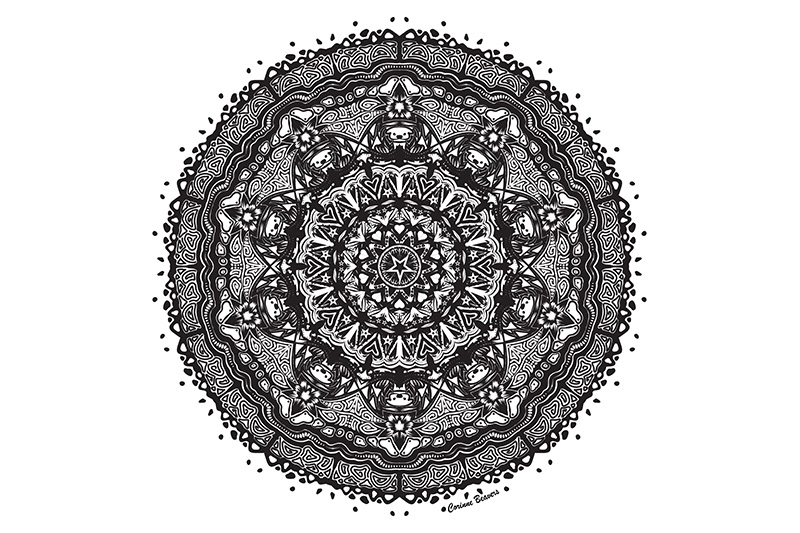
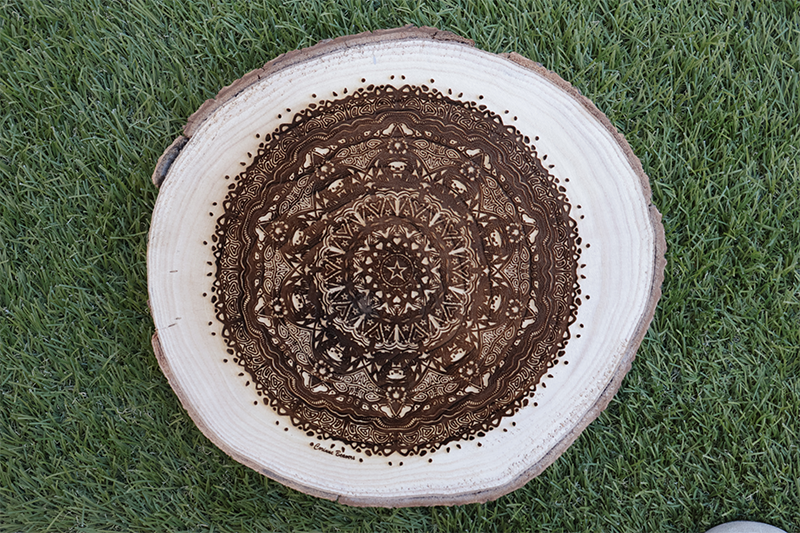
For my Mandala, I wanted to include lots of little symbols and details that represents who I am. The majority of the mandala is filled with little doodles that I would draw during class or on my sketchbooks- because I love to draw. I wanted to incude my own doodles rather than a pencil (or some drawing that represents art) because I feel like it’s more creative and personal. I also included a picture of my dog, Darla, who I love very much. I drew climbing holds on the outer edge because I love to rock climb. The style of lineart that I chose very closely reflects my own artsyle, which is a combination of thick and thin lineart, and lots of high contrast to make it pop.
Using the drawing tablet with the pressure sensitive brushes was not something that I enjoyed at all. There was way too much stabilization with the brushes to the point where the line I drew did not look like the line that showed up at all. The pen was also incredibly sensitive and shaky. I ended up having to use CMD+Z a lot because I was unhappy with most of the strokes. Eventually, I started using the basic brush and my mouse, which is why the mandala looks much neater on the outer edges.
Overall, I enjoyed how personal this project is. When I looked at the mandalas for the first time, I didn’t think much of it because I didn’t know how much effort and thought went into them. And Mr. Flo is right – it’s really hard to make a bad mandala using the reflecting technique.
I was happy with seeing the engraved product. I think that next time, if I never get it reprinted, I’ll try something other than a tree trunk. Since I included a lot of dark lines, it was kind of hard to see the overall pattern.
Colored Mandala
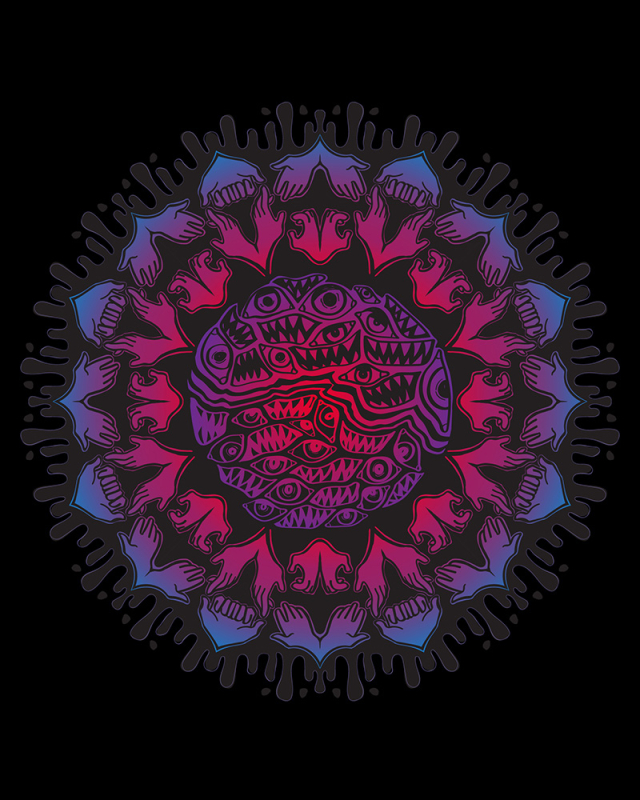
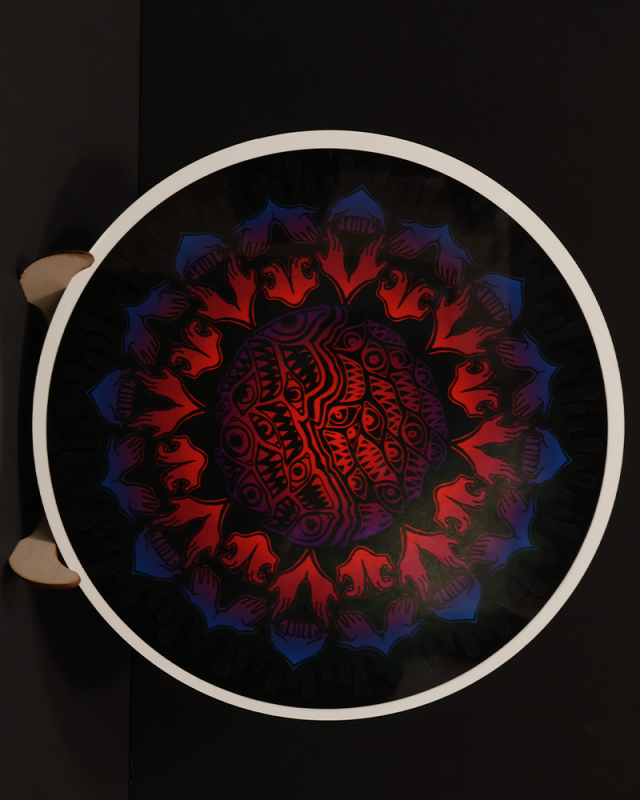
For my colored Mandala, I decided to start fresh and make a new one. Rather than including little easter eggs, I decided to base this Mandala off of my OC world that I’m making. My original characters are very important to me and a lot of my creativity goes into making this story, which is why I thought this mandala would also be a perfect representation of who I am.
I had a lot more fun creating the second Mandala because I figured out how to work the wacom tablet well. In the past, I hated using the wacom because of how shaky and unstable the sensitivity was. However, once my arm got used to the pattern, it started feeling pretty natural. I decided to not use reflection when making the complicated pattern in the center because I thought it would look cooler and more chaotic.
I liked seeing the printed out version, but I was a little disapointed becase there was a noticable light patch in the ink. This was probably because my mandala was so dark and saturated.
Mandala Build Reveal
After the drawings were finished, we were told to create a build reveal video on Adobe After Effects. We had to screen record unhiding all the layers on Adobe Illustrator, then include the video of the wood burning process which was fun to watch. To be honest, I was dreading the screen recording bit, because I had to unhide over 1,000 layers. But it became easy for me once I realized I could drag the mouse over multiple layers to unhide them at the same time.
Overall, I had a lot of fun on this project, especially the second Mandala. I got more comfortable with the wacom and illustrator (Two things that I was very unfamiliar and confused by) and got to draw what I wanted! This felt like one big doodle session which I really enjoyed. I learned more Adobe Illustrator tools, got more comfortable with the wacom, was able to be creative, and gain more practice with Adobe After Effects for the build reveal video.