Facial Symmetry
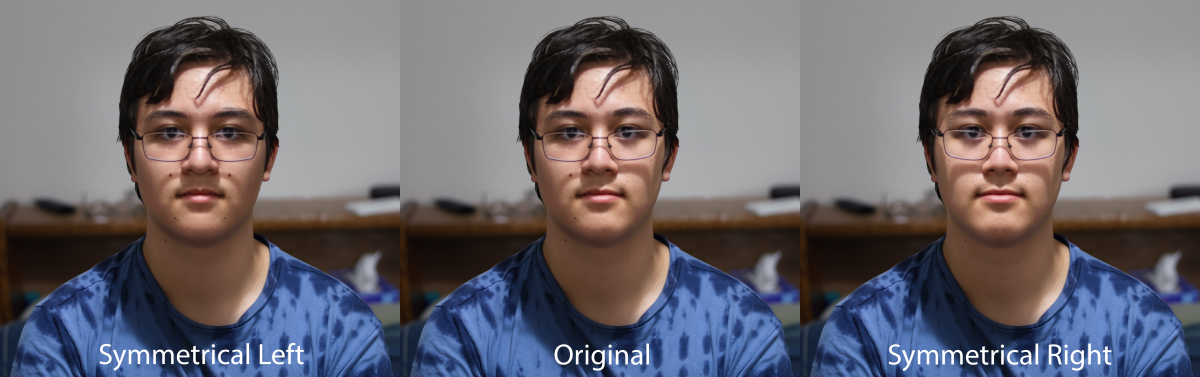
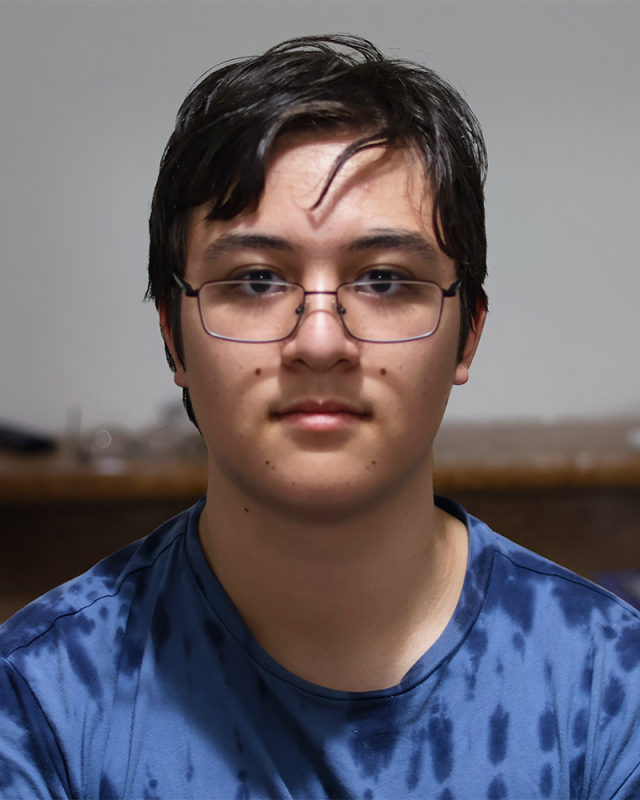
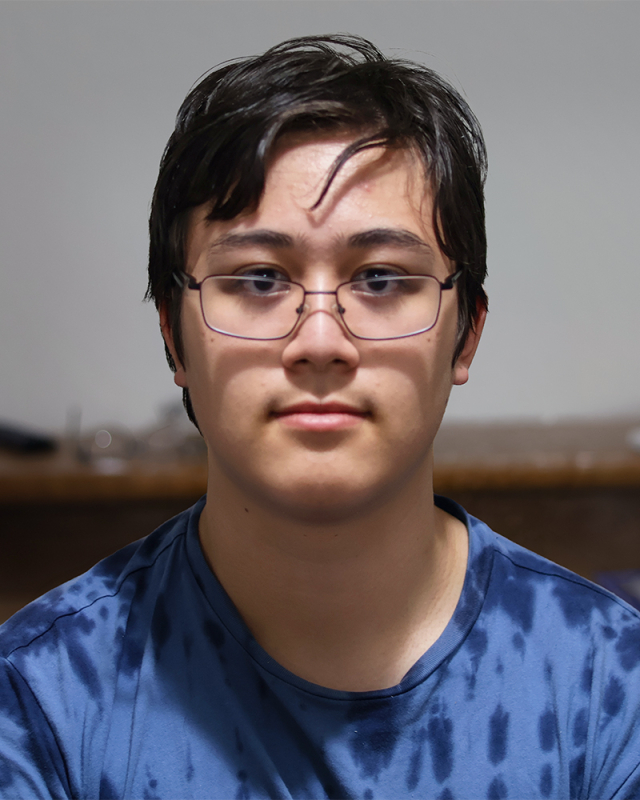
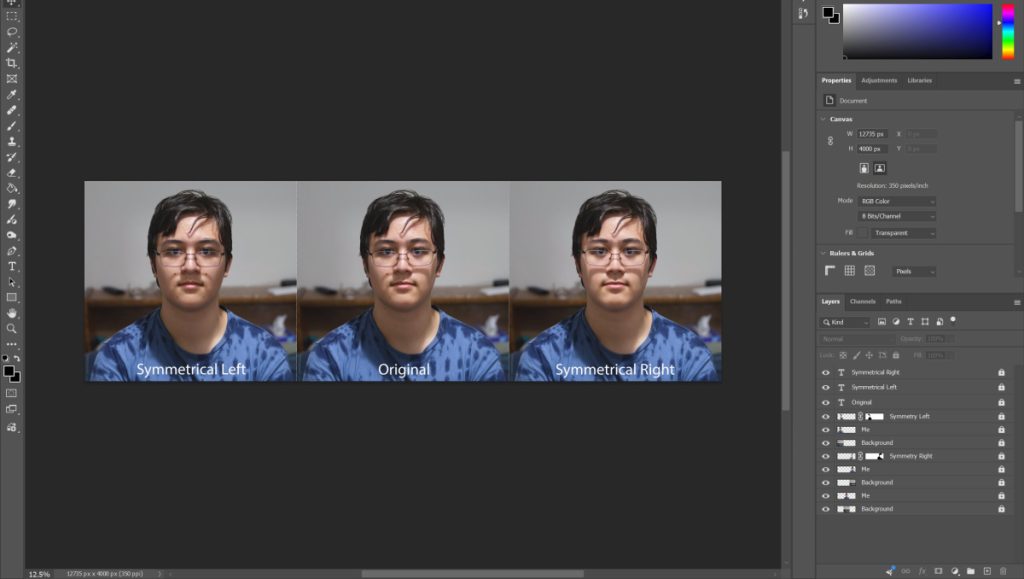
Inspired by this article, I created a portrait of myself (the middle photograph), and, with Adobe Photoshop, I made two other photographs on the left and right by mirroring only one half of my face. When editing this, I also had to make sure that the other details such as the clothing, background, and hair were consistent, which I did by using the “Quick Mask Mode” tool. By carefully drawing around my face with this tool, I was able to keep the face’s mirrored effect while reverting everything else back to normal. This did unfortunately create some inconsistent shadows, but I think it’s pretty hard to notice.
While these photographs did take a while to edit, I still had fun with them! I might make more in the future. (If I do, I’ll post them here.)