Introduction
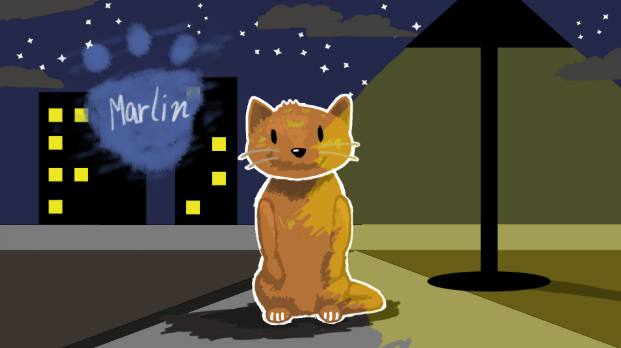
Zenith project is one of the last big projects that I got to do here at Freestyle Academy. All Freestyle students are allowed to make the project about anything as long as its related to their elective class. The project is usually about learning new skills that go into making the final product. In my case, I learned how to edit special effects in After Effects and draw impact frames.
For my project over the next few weeks, I chose to work on a mini cartoon animation. It is titled “Tv Guy and Cat Adventures” and in the title, it is talking about the two main characters in the story. TV guy also known as Wilbert is a robot who walks the forest and takes care of the plants and animals. While Spooky guy who is the main villain of the story tries to kill them. Also, I know…the name for the villain wasn’t that creative but I needed to get to work on the rest of the project. His main intention for killing is without reason ever since his gambling accident and ended up losing all his savings. Before the accident, he used to work at the local lumber mill nearby the town.
The challenge I faced in my project that I would be drying different cat poses which I have never done before. When I have spare time, I draw the face of a fat and not really the full body because I found it intimidating. In my opinion, it still came out somewhat chopped but that’s okay. I would say that as the animating process went on, the figure of my cats became more realistic when I used references to draw. Another struggle was getting the characters to look consistent in each scene. I tried fixing that by using blocking to draw the big shapes that define any object and then smoothing it out with more curved lines.
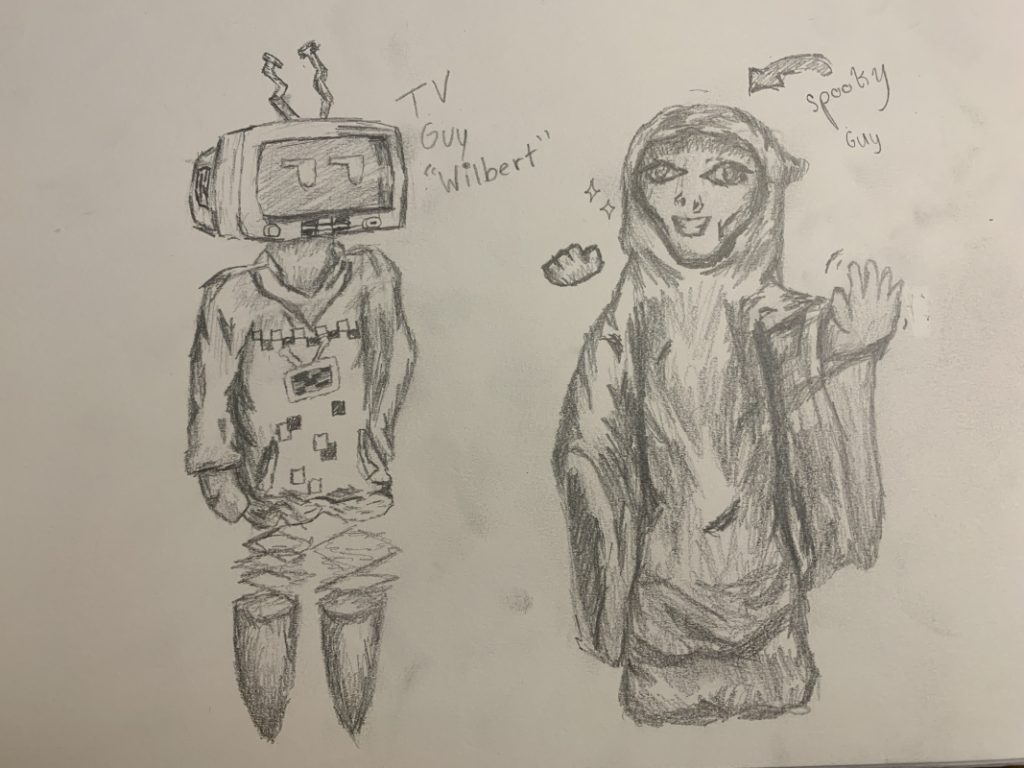
These are my initial character designs for TV guy “Wilbert” and Spooky Guy. In order to finish my cartoon before the deadline of May 11th, which is presentation day, I had to cut out a lot of detail for Tv Guy. The antennae and the shirt with the design couldn’t be included. It would take too much time to include those details with each frame that the character moved.
Process
Week 1
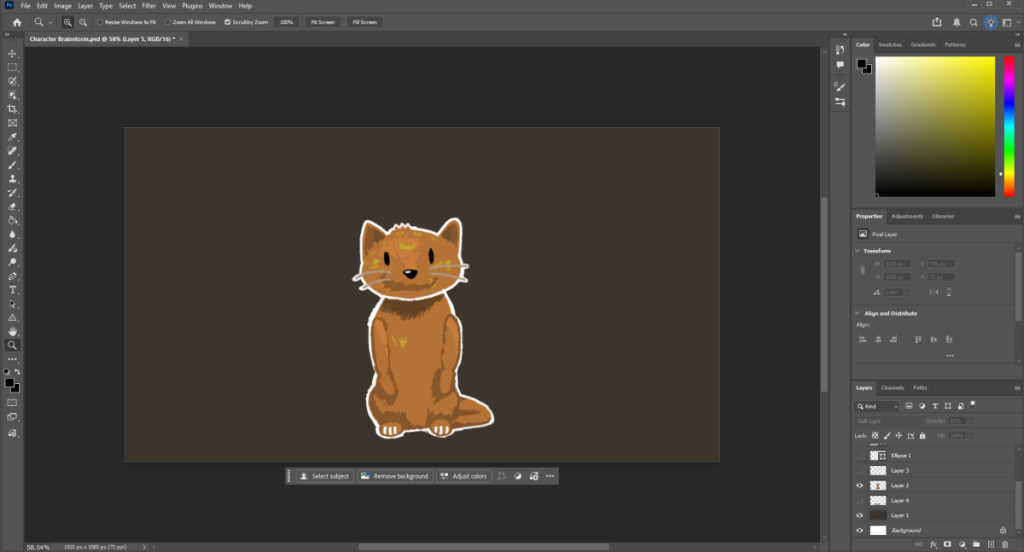
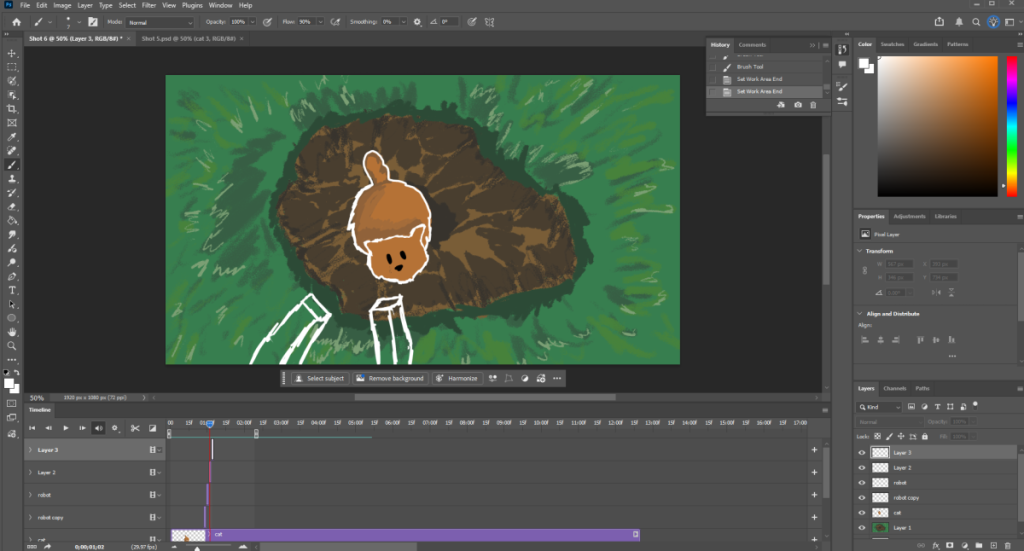
Initially, I was drawing out my character Marlin in Photoshop to get an idea for his color palette I would be using throughout the whole animation. Began drawing the actual scenes for the animation cartoon. Put detail into the environment and started drawing out character motions by outlining each frame.
For more complex animations, I needed to focus more on the actual character position to make sure it flowed somewhat smoothly. After all the outlines for each frame was made for the sitting to jump motion, I began coloring and giving texture to the cat.
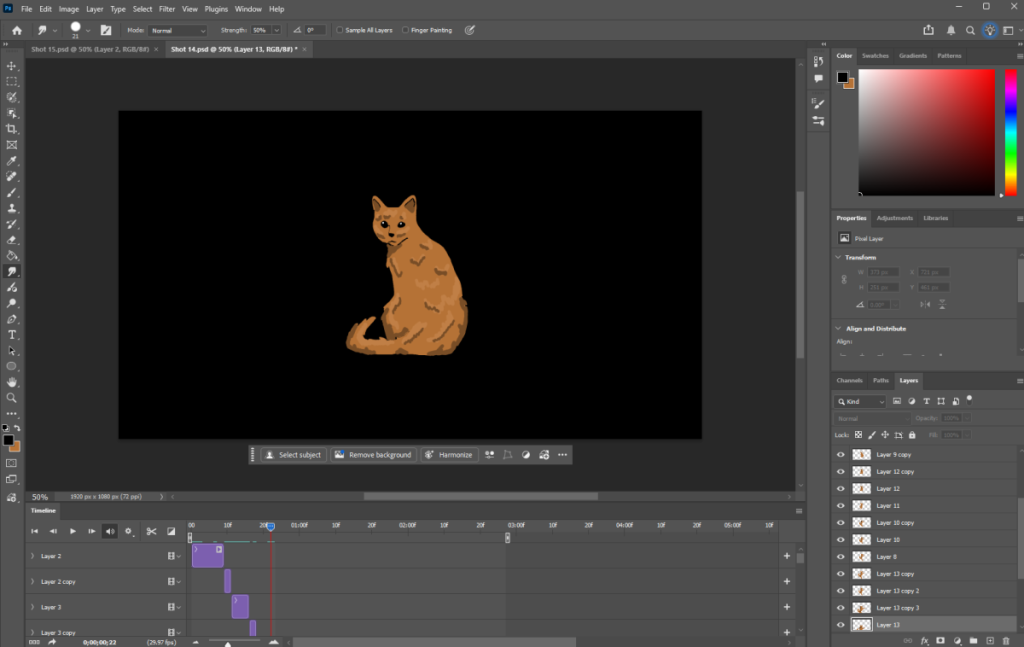
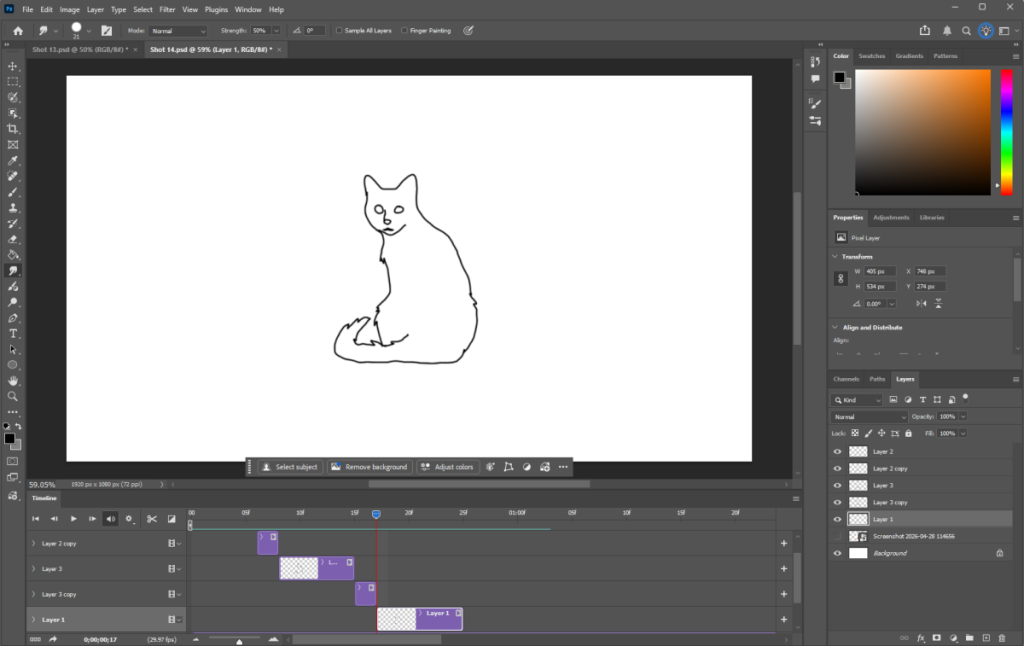
Finished the frames for this scene but needed to draw special effects to make the cat on the left stand out more. So, I altered the blend layer to soft light and duplicated the layer that had the cat drawing. It turned the cat into a bright blue coloration eventually disappearing. You can get a chance to see in the final production video down below.
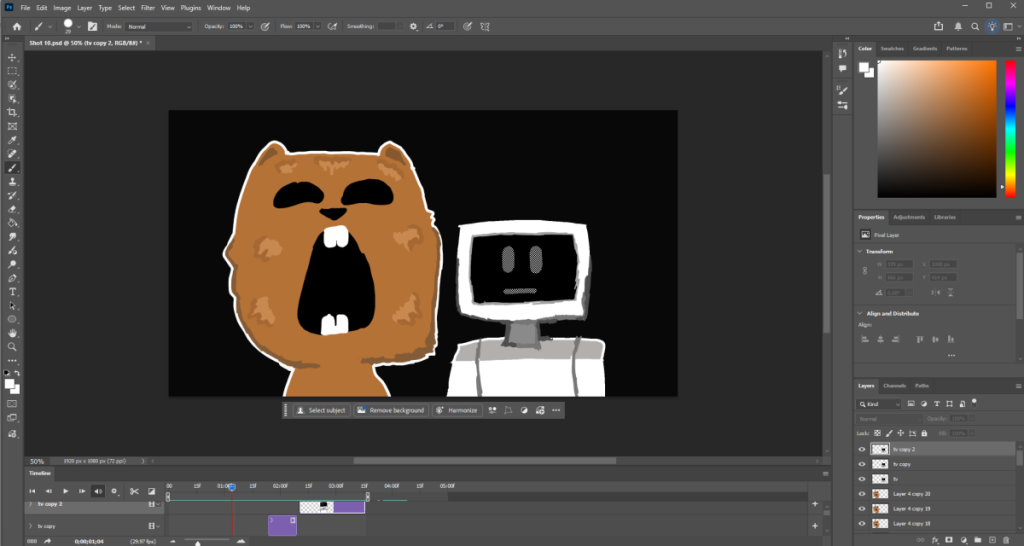
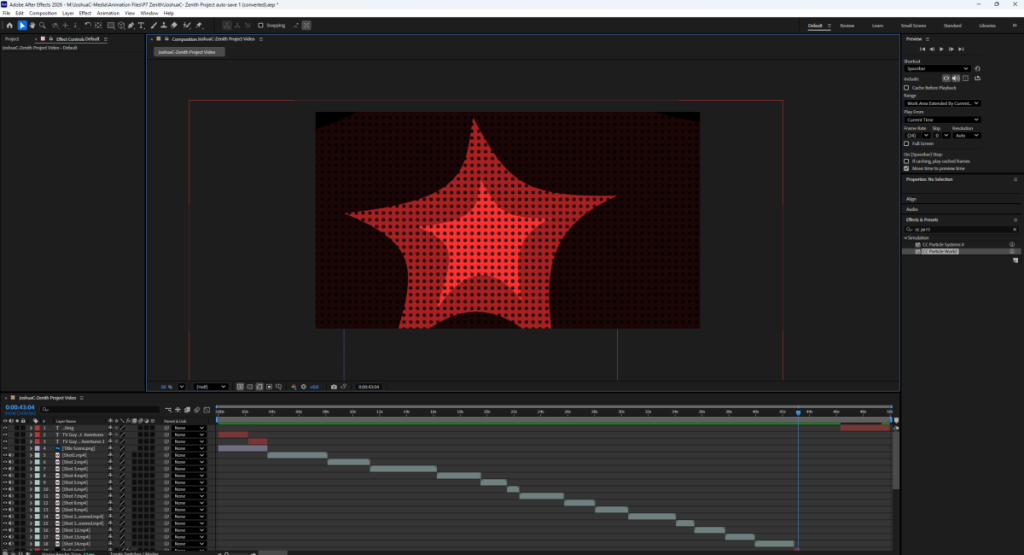
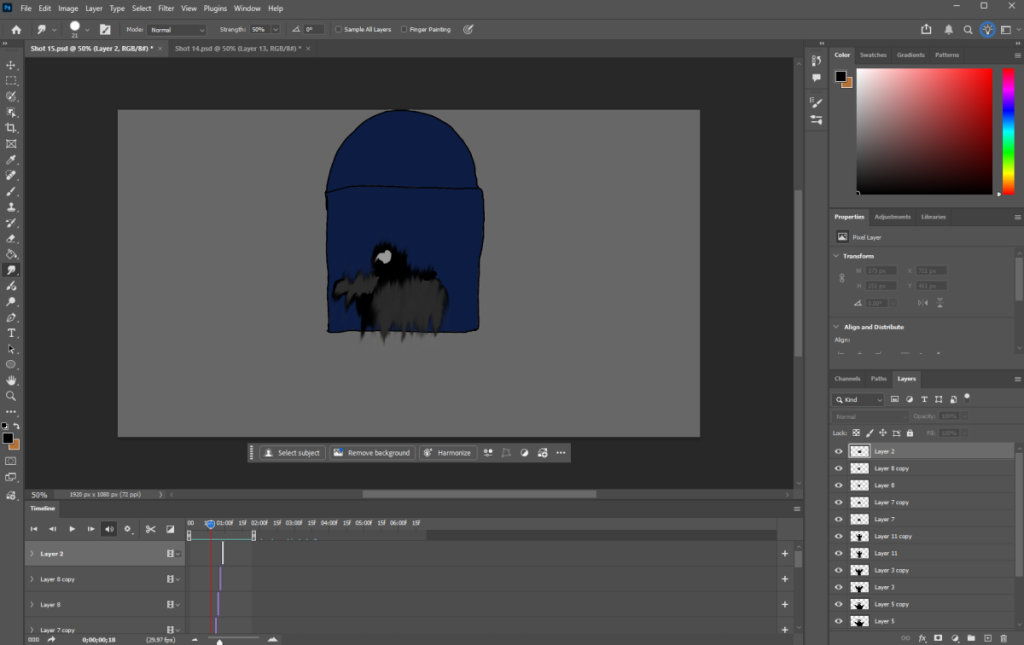
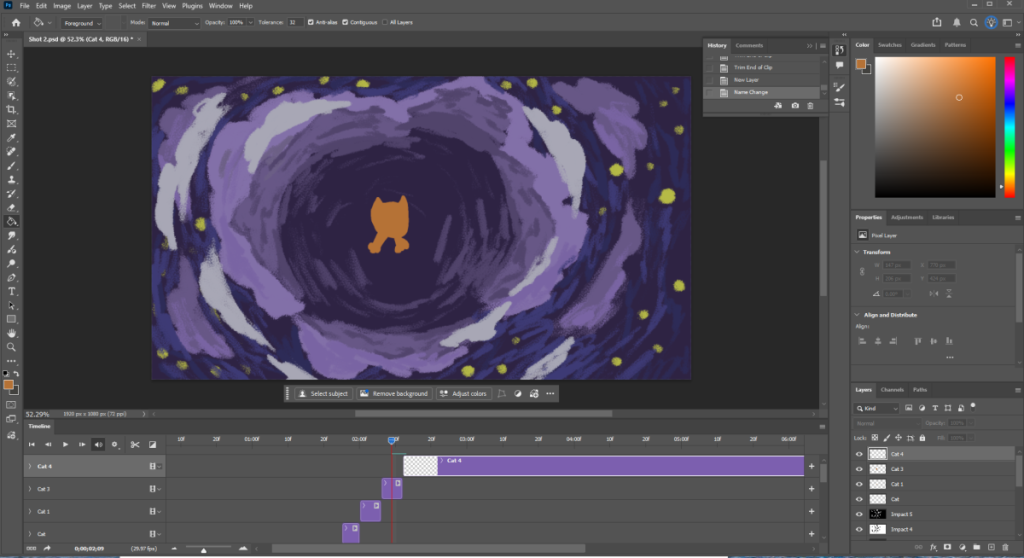
Started putting the frames chronologically to create animations. This is the final scene that needed to be made where the villain of my cartoon gets kicked out a window. It sends the hooded guy flying into the air by Marlin the cat.Finished the frames for this scene but needed to draw special effects to make the cat on the left stand out more. So, I altered the blend layer to soft light and duplicated the layer that had the cat drawing. It turned the cat into a bright blue coloration eventually disappearing. You can get a chance to see in the final production video down below. Began putting all the Photoshop files into After Effects. Made additional special effects in the Effects & Presets panel using cc wide and cc ball functions to get this cool explosion effect.
Completed Project
This was my final product, and I hope you enjoy watching it! It’s meant to be goofy and very lighthearted, and I hope it makes you feel that way too. Also, a lot of sounds game from videos I played from my childhood.