Digital Media had helped improved my skills on using Photoshop. I learned how to crop images of many ships to make one final composition. In my senior year at Freestyle Academy, I became a lot better at using the After Effects program to create engaging videos. I also used Adobe Illustrator where I would work on multiple layers to make my light box project that would be assembled physically.
Funny Images
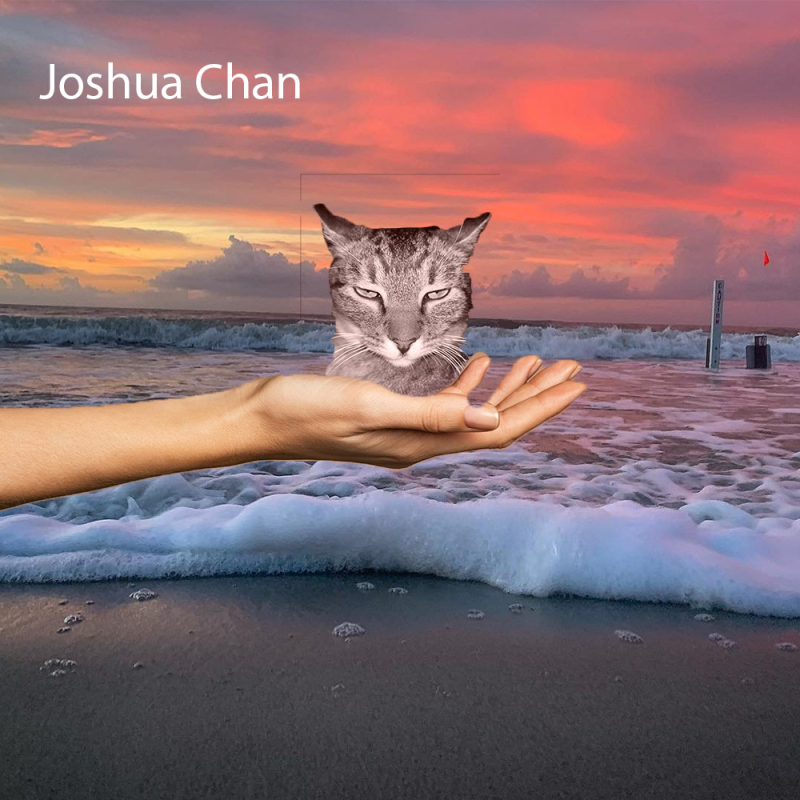
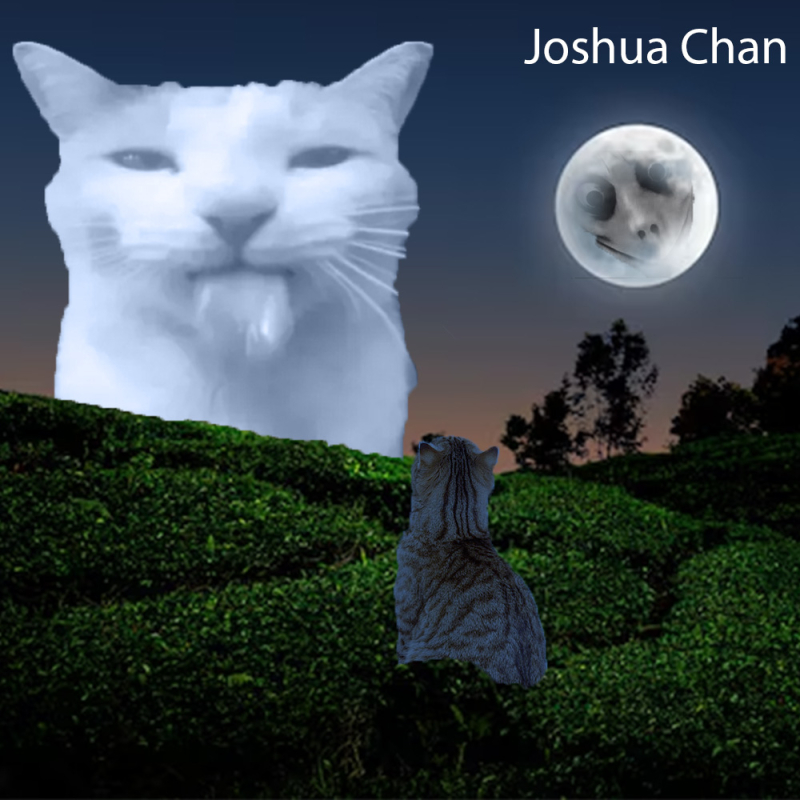
The funny images that I produced using Photoshop was inspired by my cat that I have at home. She makes the funniest poses and faces that I felt inspired to do my funny compositions about cats. To get the original images of the cats to match the setting in terms of lighting. I had to use a brush tool and draw over the image with the color that matched the setting. It also required the use of clipping masks to put part of the image on top of another image.
2 compositing techniques that I found to be really useful was using the smart objecting editing so I could make an image appear behind another image. The other technique that I liked was color correction of the image, so it feels like it matches the colors of the environment. I value being able to composite images with Photoshop because it allows to be creative with a humor. I like cats so now I can express my appreciate for cats using Photoshop by displaying cats in a ridiculous way. Photoshop isn’t just for making photos look better but compile images together to create a funny scene.
Behind the Scenes


Motion Graphics
Learning how to use more tools in After Effects has been really helpful. The methods used to make animations for the text has been useful in other projects I have been making throughout the year. It was also a nice creative outlet to learn how to use the tools in the Effects & Presets panel in a creative way. With solid shapes tool, I used that to create the yelow sun. The dots falling in the background was made using making paths that followed a set route. There was also a function called bezier path to make objects that are a strict shape like triangles, rectangles, or pentagons. I could make organic shapes using that tool and pulling on the bezier paths.
Multi-Layered Art Project
The Multi-Layerd Art Project was made with the intent to be related to my world building project. It has similarities to the world building story by both being centered around being in space. The people in the story, had very focused goals to reach the new colony safely. Much like my multi-layered art, it shows focus on the spaceship who are trying to get to the colony. The story that was written with my group had focused on the people on the ship since they had troubles on the way to colony with leadership.

Process Video
Here is the video that shows the process in making the light box. I attached lights wiring to the backboard of the box, but the actual lights would be placed in the back towards the sides. I chose to place the lights there to make sure that the light would be evenly distributed throughout the light box. In the end, I got this nice warm effect when the lights were turned on.
3D Video of Lightbox
This video was made using the layers in Illustrator and I was able to import the layers into After Effects in a way that made the layers appear 3D. Part of the process also involved using different camera angles which I use the position setting for the individual camera view. The camera is basically invisible but in the program After Effects, it showed the field of view the camera in these transcalent lines connecting together.
Individual Layers




For my Multi-layered Art Project, I chose to make a rocket ship because of the worldbuilding story group that I was a part of. It took place on a spaceship that is headed towards the colony, so it made sense to do something related to my worldbuilding project with a rocket ship. The majority of the character interactions took place on the ship, so it was a crucial part of the story’s relevance.
The lines with the dots in the background of the ship are meant to present the space sky and the advancement of technology that was incorporated in the story. The circle with the rods attached to each other represents how people on the ship had goals they aimed to accomplish. The first faction had aimed to take control of the ship so that resources would be best used by the people who served the most purpose on the ship, which was measured by status. While people who were mainly there to populate the colony or appeared alienated due to their personality were cast aside by the commander. This led to the rise of Pierce’s faction that believed everyone deserves a chance to live.
Upon further reflection about producing the lightbox, I am happy that I learned how to show my artwork in After Effects Adobe program because it could show my work in an engaging way digitally. Normally, works of art could only be seen in 3D by seeing the artwork in person. This project had definitely challenged me because I have never worked with 3D components relating to art until now which made it a challenge to navigate all the controls for positioning that went into angling the camera perspective.