Introduction to Photoshop Art
Photoshop is a practically infinitely powerful tool at our disposal. The Digital Media class hones our skills in the Adobe Creative Cloud by having us create many different pieces, using many different techniques, and then combining our various skills into one more polished piece.
Pastel Painting
The first skill we learned was how to do a pastel painting in photoshop. Changing the settings of certain layers and tools allows us to create a different feeling from the original photo or painting.
Watercolor Painting
Our next skill was similar in nature, but different in practice. We used different tools, and different settings to add to the original photo or painting.
Photoshop Painting
The photoshop painting required us to use the brush tool to make or trace a painting.
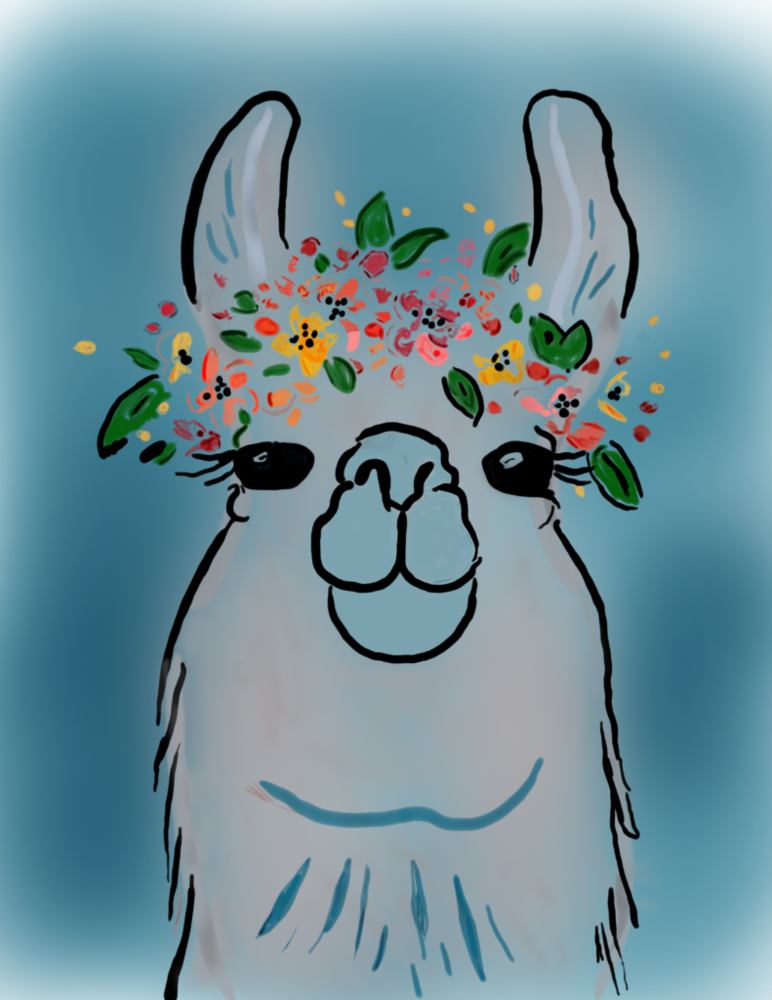
The thing that I am most proud of in this project is the way the shading looks. With the brush tool, the brush I was using got darker the more times you lifted the stylus and layered it on top of everything. I used that to create darker colors in some spots, and even black lines surrounded by dark spots of the color I was using. This was super useful and looked really cool. Another useful thing I learned about shading was that the light comes into the painting from a certain angle. If I were to shade one spot in one way, telling the audience that the light is coming in on the painting from that specific angle, and then shade a different spot in a different way or angle, I confuse the audience with where the light is.
My favorite part about this project was using the pen, although the pen is also a real struggle to use. It was really fun to use the stylus with the wacom tablet, but it was difficult to draw perfect lines, and I found the pressure sensitivity to be a little wonky, sometimes being pressed too hard or soft and producing an undesirable line. What I learned is that it’s best to start with soft touches on the tablet to get a feel for the pressure, then slowly putting more pressure on the tablet until the line looks correct. It was a lot of trial and error.
Photoshop Surreal Composition
The surreal composition was a difficult assignment because the skills required are more difficult than we have used in the past. Creating masks and understanding when things are see-through and when they aren’t was tough for me, but I like my final product.

The surreal photo allows the artist to be as creative as they want. As I was scrolling through photos I’ve taken, I found one of my dad. It was underexposed and was poorly framed, but he was in focus, and he was making a funny face. I decided to use that photo because to me he looked like he was surfing. I looked on the internet for a photo of someone surfing, and edited his face onto it and I think it looks hilarious!
This makes me view other peoples creations in a whole new light. It was very difficult for me to find the correct order of layers, or to navigate to the correct filter (some things on Photoshop are so difficult to use). Seeing how other people are able to create more intricate, and smoother creations with so much ease makes me jealous, I want to be able to apply my creativity in as many ways as I can, but it is difficult to see so much talent around me.
VR 360° Gallery
The 360° gallery was a fun assignment. We created a little museum exhibit in Photoshop and used WordPress to allow us to see it correctly.
Before and After Comparison
The before and after comparison was an assignment where we edited an original photo and used WordPress to compare them.


Multi-Layered Art Project
The goal of the multi-layered art project is to our artistic skills and Adobe Illustrator to create a piece of 3D art. We go to choose different styles, mine being stacked wood. We started with drawing rough sketches of how each layer would look.
When we were finished with the sketches, we threw it into Illustrator to create the file with the correct layers in order to cut it out correctly.
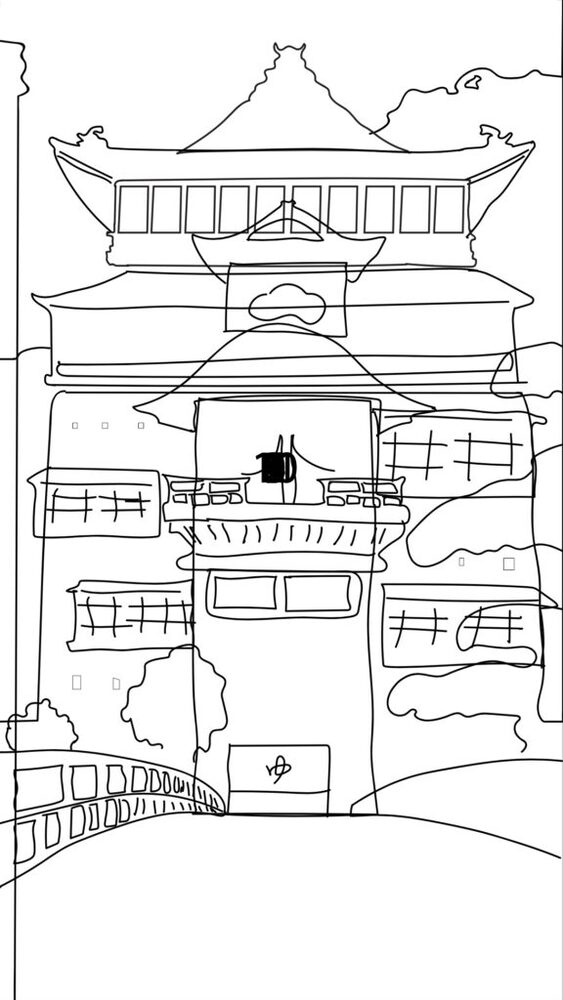
Unfortunately for me, I didn’t turn this assignment in on time, resulting in me not being able to create the physical stacked wood art, but here is a video of how it would look if I did do it on time.
Thank you for learning more about Digital Media in senior year!