INTRODUCTION
The core purpose of the Reflection unit was to explore the age-old question, “who am I?”
Of course, such an existential question is incredibly difficult to answer. In my work, I chose to answer the question from the angle of optics– e.g, “who am I to others?”
DIGITAL MEDIA
Personal Mandala “On a Blade-Edge”
The process of creating my mandala was both stressful and calming. On the one hand, watching each stroke of the pen tool mirror itself around my mandala was an incredibly satisfying to watch. On the other hand, once I started to have more and more “anchor points” from all of my various illustrations within the mandala, Illustrator’s snapping tool went completely haywire and making free-form shapes became needlessly complicated. However, all in all, I would say that I appreciated the process. It let me toy with shapes and symmetry in ways I’ve never explored before.
Behind the Scenes
Honestly, what I valued most about the mandala project was the process of watching it all come together, just like I mentioned in the paragraph above. It was very satisfying to see each new line repeat itself around the mandala. The process was definitely hypnotizing– I remember looking up when class was over and feeling like I woke up from a dream.
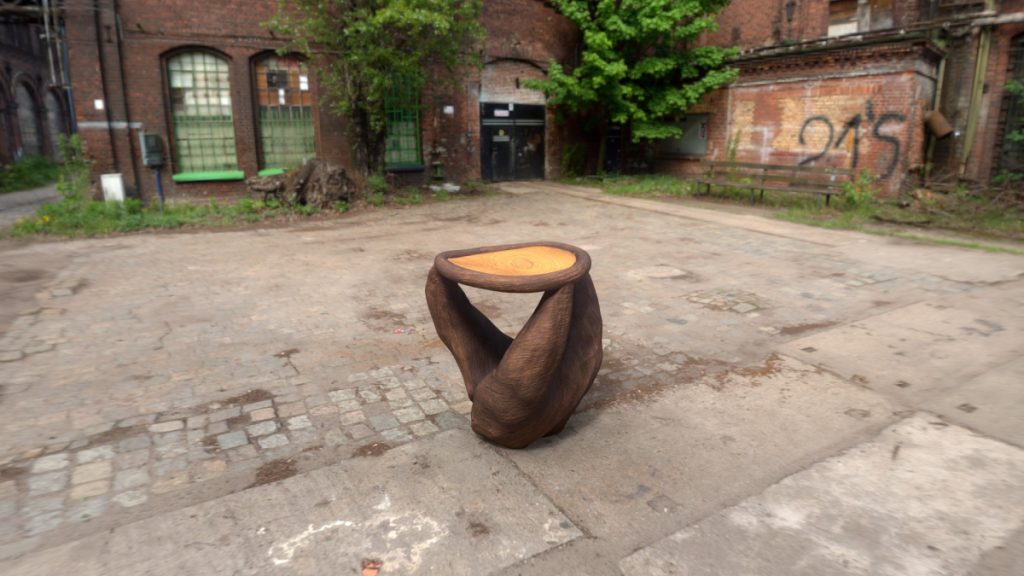
Additionally, I enjoyed taking photos of my engraved mandala. It was quite fun to look for unique angles and ways to frame my slab.
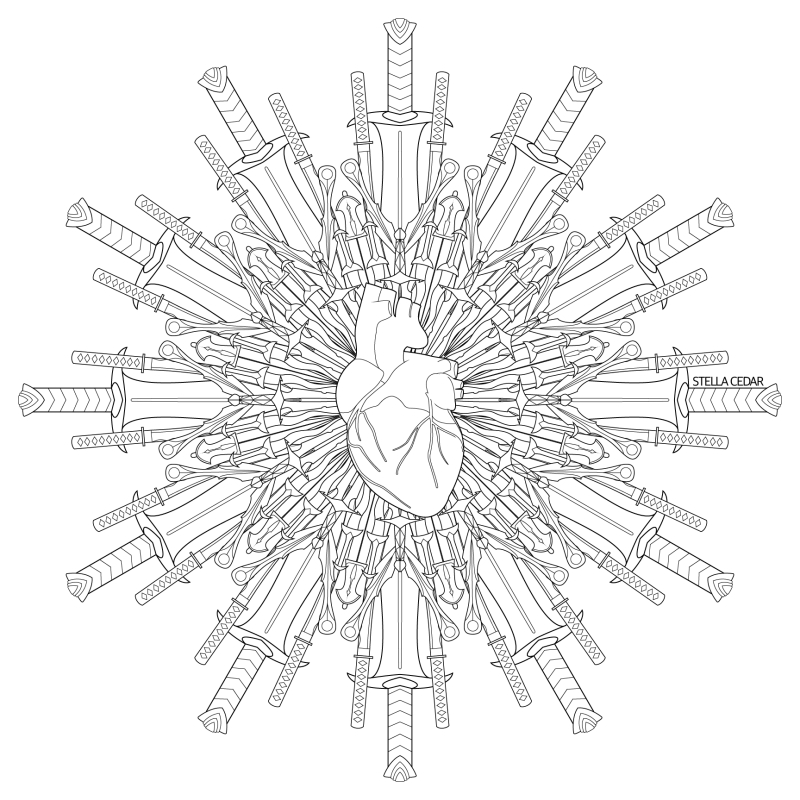

Use the slider on the right to see how I colored my mandala.
Build Reveal
Seeing as my mandala is made up of many layers of blades, I decided to first reveal how each layer was constructed, then I brought them all together again at the end. I also made the mandala slowly move further and further away from the screen, so as the layers got larger, so does the visible canvas.
For the music, I chose to use Ornn, The Fire Below The Mountain. I chose this song because it is the theme of Ornn, a blacksmithing deity from League of Legends. I felt like his theme of forging mystical weaponry fit my blade-centric mandala.

ENGLISH
College Personal Essay
Writing my personal essay was undoubtedly a test of my introspection skills. I had to examine a moment of growth and capture it, to its fullest extent, in just 650 words. I particularly focused on Question #5 of the Common App,
“Discuss an accomplishment, event, or realization that sparked a period of personal growth and a new understanding of yourself or others.”
I feel like my essay manages to answer that prompt quite soundly. By representing my personal growth in how I viewed and came to value collaborative work, I can give you– the reader– a little glimpse of my “character development.”
Below, you can listen to a reading of my essay.
ANIMATION
Who is “Maya,” anyway?
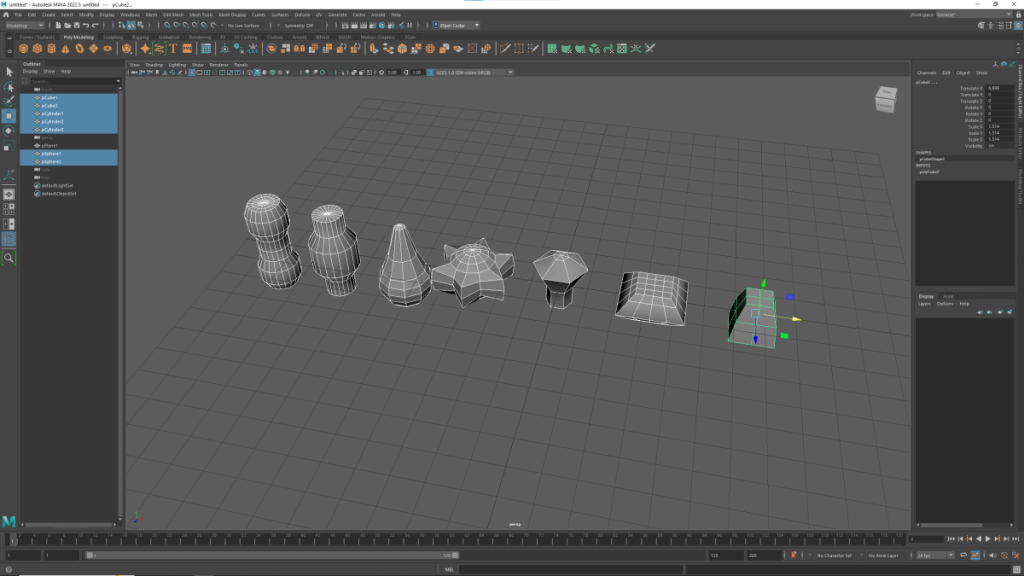
To kick off the year in animation, I learned how to do basic modeling in Autodesk Maya. I got to experiment with extrusion, node control, smoothing, camera manipulation, mesh editing, booleans, and even some material editing. Using these techniques, I modeled a variety of objects, landscapes, and the beginnings of a character I designed.
Maya, for as much as it has an incredibly intimidating UI, is probably my favorite of the three 3D modeling programs I’ve used so far. The workflow is very simple, and the ability to have multiple viewports open is INCREDIBLY helpful for adhering models to reference images. I can’t wait to go back to Maya soon when I begin animating.


Painting with Substances
If Maya is the cool older child, and ZBrush is the crazy and erratic younger child, then Substance Painter is the indifferent middle child. The best way I can describe Substance Painter is that it’s like Photoshop but for 3D models. Using textures, alphas, masks, and other image-editing tools, I carefully painted my models with various materials to make them look lifelike and to give them interactivity with virtual light rending algorithms (like ray tracing).
I’m still in the process of learning how to use Substance Painter, but so far, I’m enjoying it. I appreciate how I can use my Photoshop workflow in Substance Painter and work just as efficiently.


Becoming a Virtual Sculptor
Oh ZBrush, where do I even begin with you…
ZBrush is one of those programs that I would categorize as “a super powerful tool for one specific thing.” In simple terms, ZBrush is a 3D sculpting program. Much like real sculpting, you start with a basic shape like a cube or a sphere and mold it to your desired shape. Unlike other 3D modeling software, ZBrush’s engine can handle meshes with tens of millions of polygons, allowing your mesh to have incredibly granular levels of detail.
To the people who have used this program for years and years– I don’t envy you. If you think Adobe crashes a lot… just wait until you try to use ZBrush’s polygon reduction algorithm. How it manages to ignore all preferences and use as little computing power as possible despite being authorized to use 30+ CPU threads is a mystery to me.