Introduction
Adobe Animate is 2D animation software that is based on vectors. It’s used in cartoons in indie studios and even some big cartoon productions. The program used to be called Adobe Flash, but Flash player got discontinued back at the end of 2020. The program has had shaky ground since then, even getting to a point where Adobe Animate was about to get discontinued. Luckily, that decision was reverted.
I’ve never used or learned a program like this before, but it’s never too late to try.
Getting Started
When doing animation, I usually use Adobe After Effects. However, in my journey to becoming a better artist, I decided to finally take on Adobe Animate.
It’s definitely one of the more “clunky” programs I have encountered. There are a lot of key binds one needs to know in order to do anything, and the user interface doesn’t make any sense on a first glance. Fortunately, Freestyle Academy has taught me a lot of useful tricks for other programs, so I wasn’t completely in the dark. Nevertheless though, I couldn’t really understand the program, so I did some research. I stumbled upon a really useful video, which I used to learn the basics of this program.
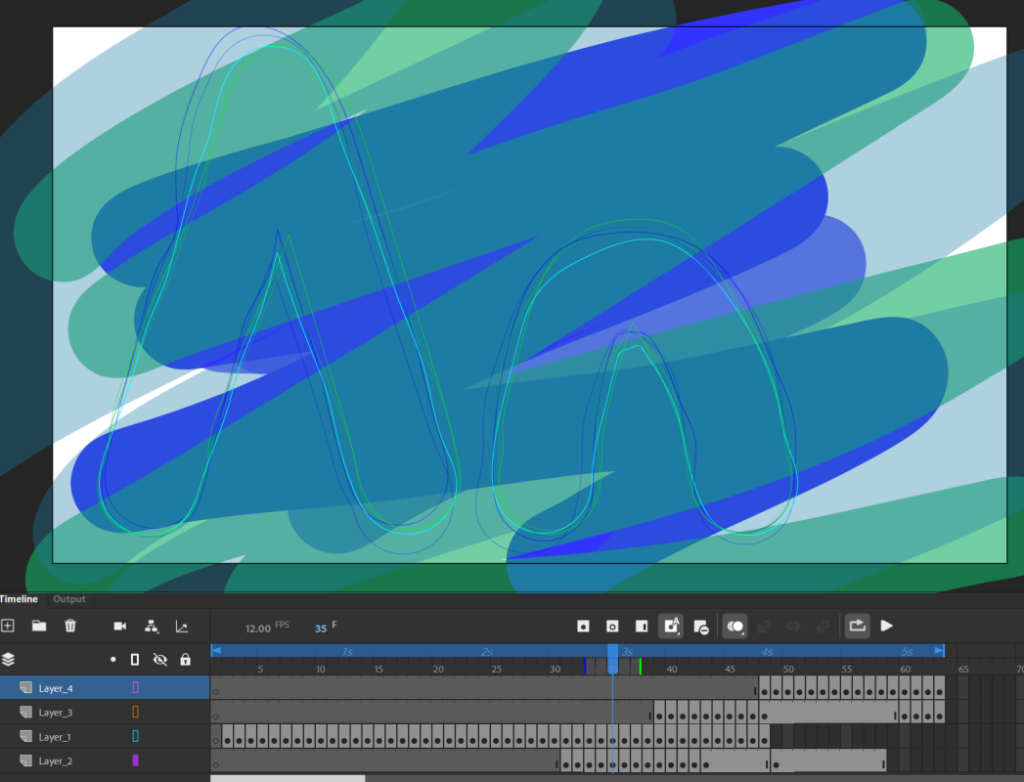
Using the program, I created my first ever animation in Adobe Animation! (Click to watch or expand the two items below)