
Image Compositions
Funny Image Compositions


World Building Composition
Multi-Layered Art Project
In Digital Media, we learned how to create 3D Layered Art with Illustrator. The main premise of this project was to take our World Building project and create something to go with the story. I chose to do a light box, and made a total of around 15 layers of laser cut paper.
Sketches & Brain Storming

The initial stage was finding out what you wanted to create. I really liked the light box, so my sketch reflected on what each layer would look like. I had a lot of trial and error, mostly because I wanted to be mindful of the space and design each layer had to have.
I wanted a sort of diamond look to the back, specifically because of how our world is based on a deck of cards. However, upon talking out my idea with Mr. Flo, we realized it might be hard to draw this on illustrator properly. Especially if I wanted light to be shown from the LEDS that would be attached at the back. So, we workshopped it a bit and I figured out a better way to draw it on Illustrator.
Layers & layers & more layers


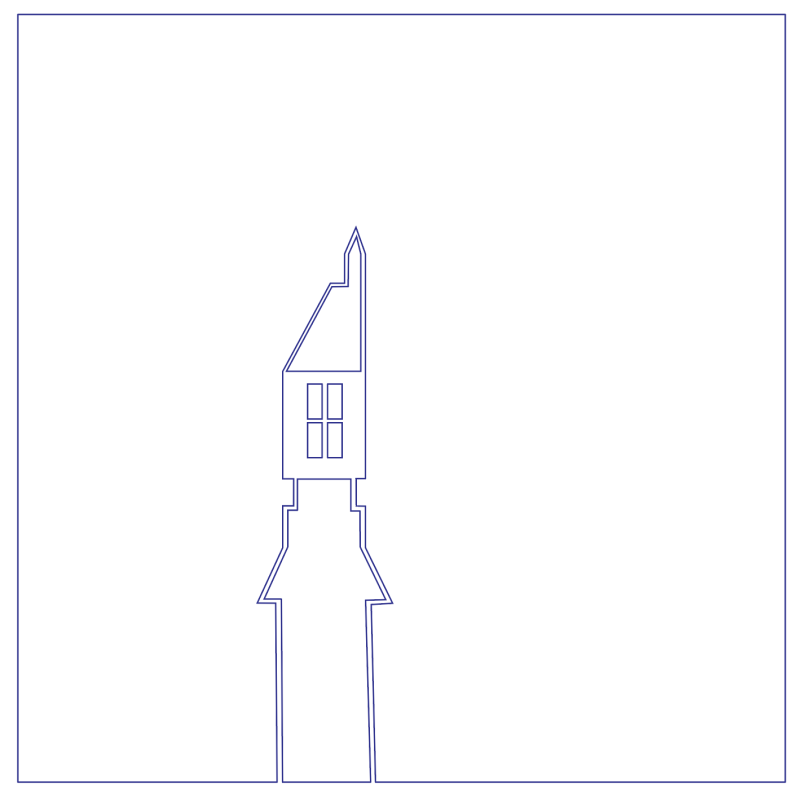


Final Product on Illustrator
Below is all of the layers I presented above all together. In illustrator it was a MESS, so every time I went in to draw, I hid every layer so I wouldn’t get confused. It took a lot of work to make sure it looked nice, but in the end I really liked the finished product.

Creation Video
Below is a time-lapsed video of my production!
3D Video
Below is a cool 3D video of my illustrator file made in After Effects!
Final product

Here are some pictures showing my finished Multi Layer Lightbox :’)